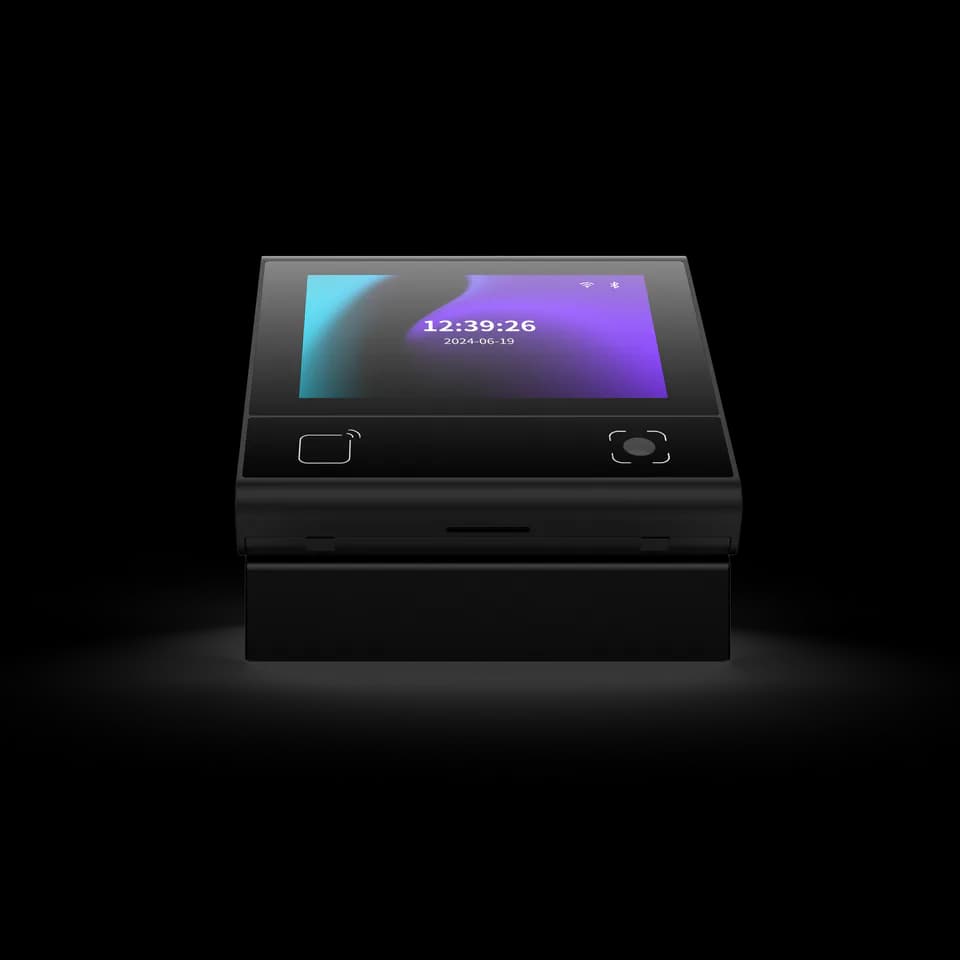
A small device. A place in your space.
Start with the entry point and the interaction you need. Select the reader or access-control configuration, then build the application around it.


QR Readers & Terminals
QR and card access with an on-device interaction point
Explore DejaOS development ↗Start with the entry point and the interaction you need. Select the reader or access-control configuration, then build the application around it.
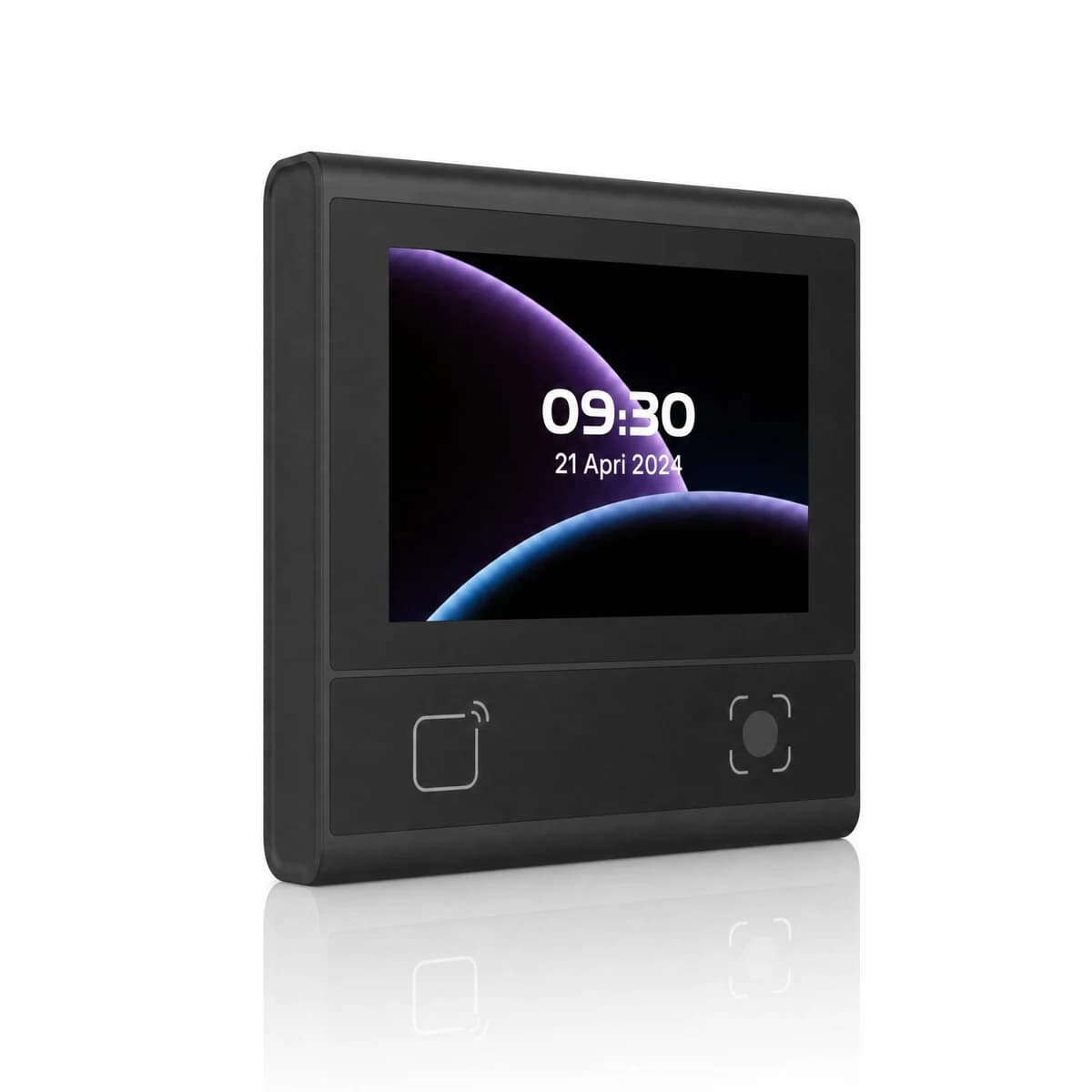
Combine QR, card and password workflows with on-device feedback. Select the reader or access-control variant to match the role of the terminal.
Ethernet, RS485 and Bluetooth provide integration paths. Choose the access-control configuration when the project requires door-contact, exit-switch and relay connections.
| Operating system | Linux / DejaOS |
|---|---|
| Display | 3.33-inch IPS capacitive touch screen · 320 × 480 pixels |
| Wired communication | Ethernet and RS485 |
| Bluetooth | BLE 5.1 |
| Access-control connections | Exit-switch input, door-contact input and relay output on the access-control configuration |
| Power input | 9–15 V DC · 12 V typical |
| Mounting | 86-box surface mounting |
| Options | Reader, access-control, voice and Wi-Fi variants; confirm the required configuration |
Modules, accessories and software are selected for the project. Features described as options are not included in every configuration.
Application directions for discussion. Compatibility and software scope are confirmed for the selected configuration.
Explore use cases →Looking for the FC6820 manual, specification or installation drawing? Tell us which information you need and we will help identify the right document.
Request documentsMatch the baud rate, data format and electrical interface on both sides, then inspect the cable and any serial-to-USB adapter. Also confirm whether the reader is sending raw content or a framed protocol message before treating additional bytes as corrupted data.
A reader in transparent output mode may send the original content, while a protocol or development mode can add a header, length, device information and check data. Select the mode that matches the host application and use the protocol reference for that model and firmware.
Yes. Single-read and interval modes can treat repeated presentation of the same code differently, while a different code may still be accepted immediately. Confirm which modes and repeat intervals are available for the selected reader before defining the user flow.
Do not assume so. Reader firmware and access-control firmware can use different tools, configuration codes or platform commands. Share the overseas model, firmware and intended operating mode so the matching method can be checked before changing settings.
DejaOS provides a JavaScript development environment for supported devices. Developers can build device interfaces and application workflows using the modules available for the selected hardware, SDK and firmware.
No. Check support for the exact overseas model and configuration before choosing a development device. Use the current official documentation and confirm the matching SDK, firmware and hardware modules.
FC6820 / Your next step
Tell us your application, installation environment and quantity. We can help with product selection, documentation and the next steps.