Inside and out,
the details matter.
Explore different front designs and interior forms. Door fit and management requirements guide the final configuration.
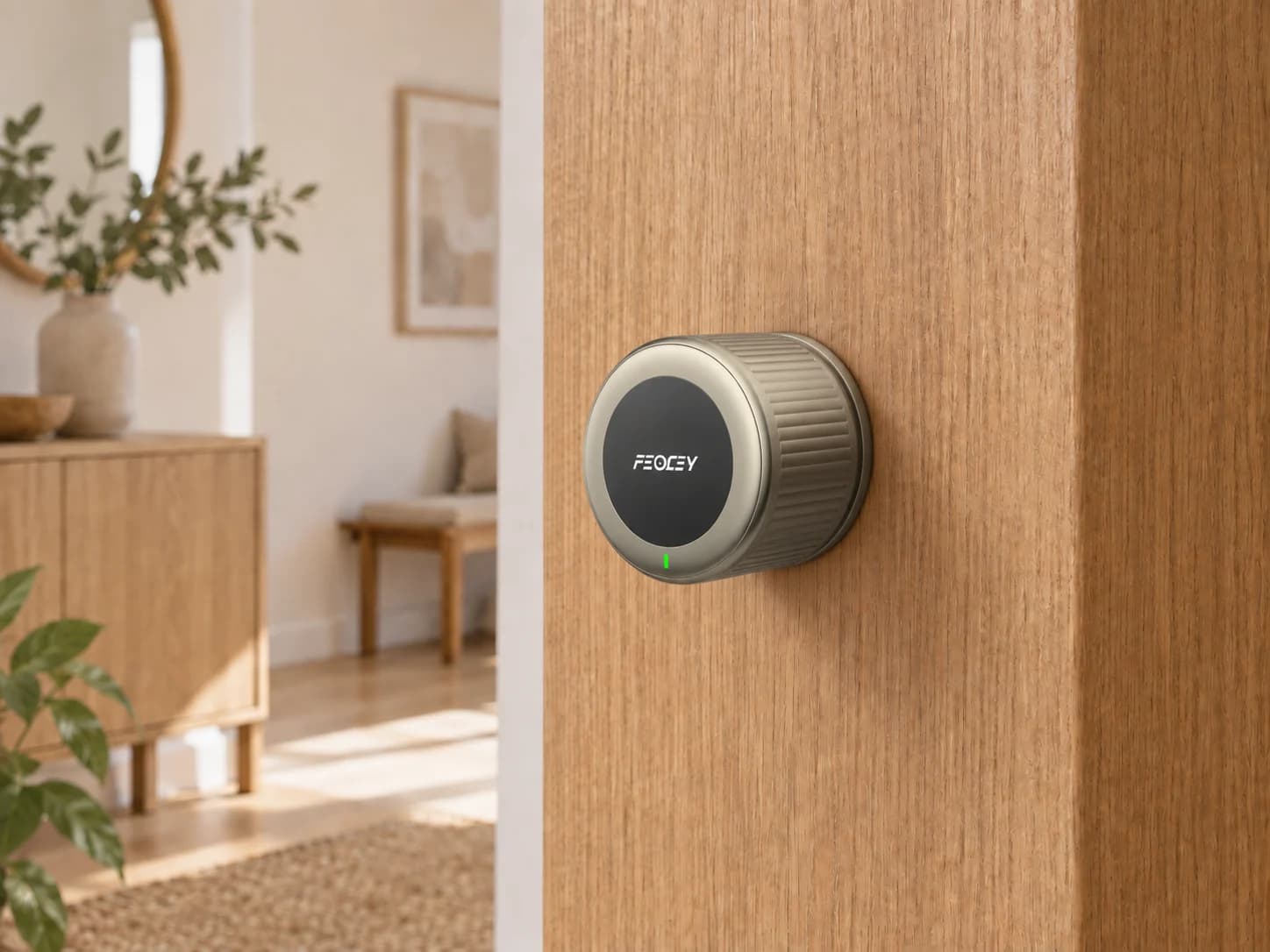
X-Gen 1 Smart Lock 001 · Interior form


Access starts at the door. Find a lock platform for the spaces you manage.
Find your modelBring the door material, the access workflow and the lock design together.
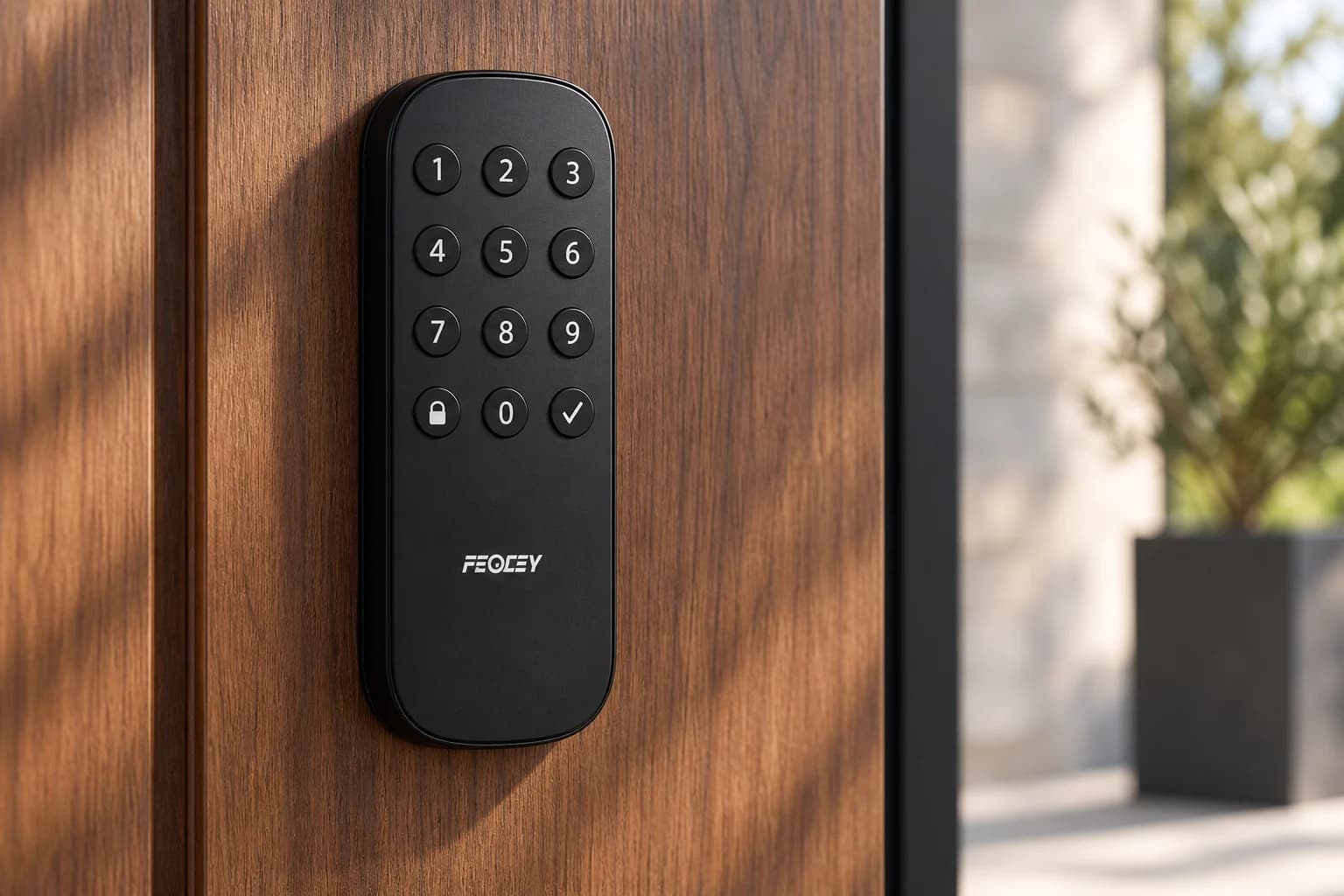
Explore different front designs and interior forms. Door fit and management requirements guide the final configuration.
X-Gen 1 Smart Lock 001 · Interior form
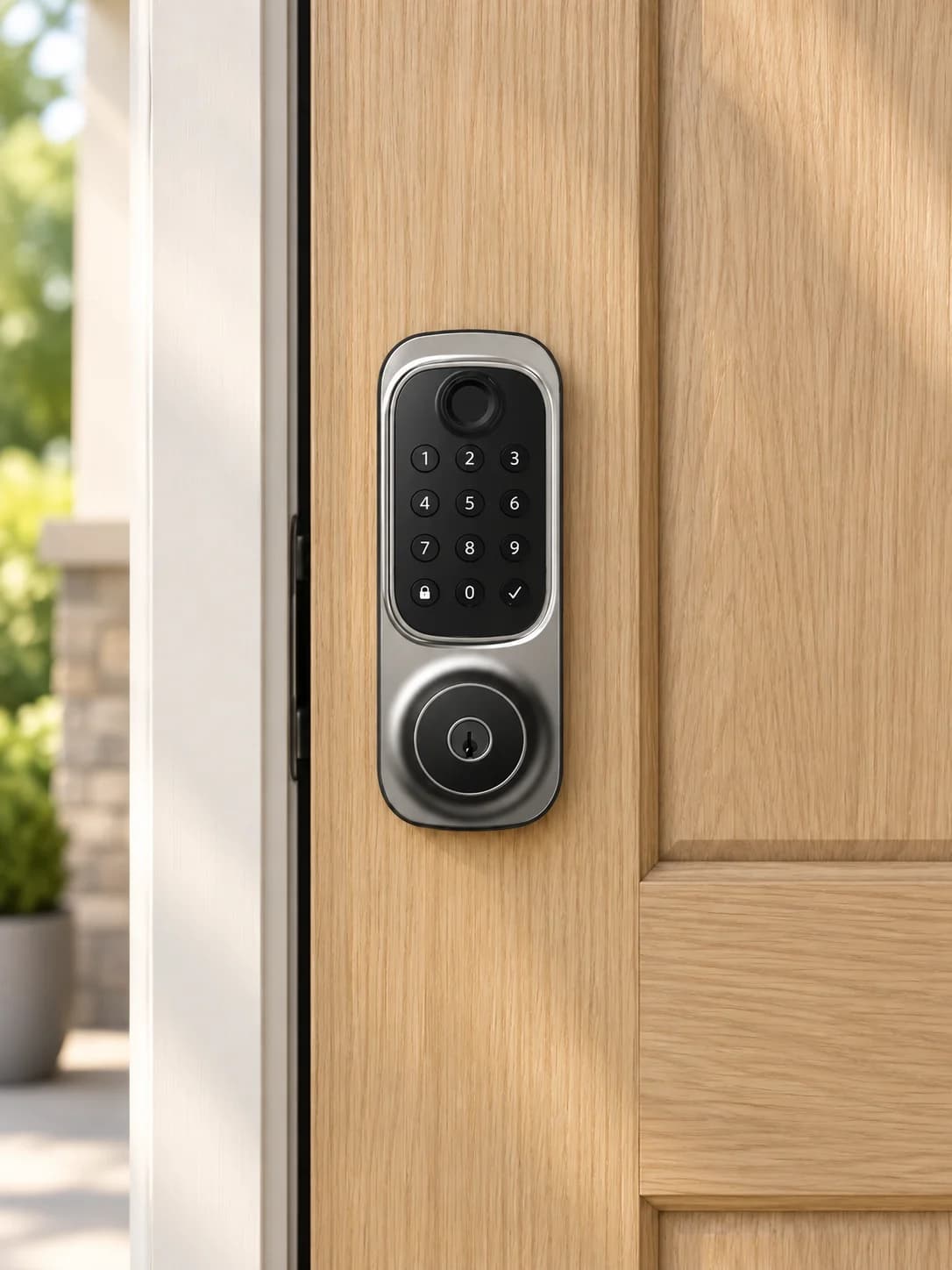
Smart Door Lock 002, shown in a residential door setting.
AI-generated application scenes illustrate possible settings, not customer installations or installation specifications.
The right lock starts with the door: confirm the mortise, dimensions, handedness, credentials and management workflow.
| Model | Display | Core use | Credentials | Interface / mounting |
|---|---|---|---|---|
| X-Gen 1 Smart Lock 004 | Keypad and handle interface | Managed residential, hospitality and property access | PIN, card and fingerprint options by configuration | Door, mortise and management setup are confirmed per project |
| X-Gen 1 Smart Lock 001 | Keypad and handle interface | Residential and managed-property access | PIN, card and fingerprint options by configuration | Door, mortise and management setup are confirmed per project |
| Smart Door Lock 002 | Keypad and handle interface | Residential, hospitality and managed-door access | Credential methods depend on the selected configuration | Door, mortise and management setup are confirmed per project |
No. Confirm door material, thickness, handedness, existing holes, backset and lock-body requirements before selecting a configuration. Photographs of both sides and the door edge, together with measurements, are more useful than a front view alone.
Tell us who issues access, which credentials are planned, how permissions are updated, the expected offline behavior and how the door is prepared. Credential, gateway and management capabilities depend on the selected configuration and must be confirmed together.
Not necessarily. Identity enrollment and access permission are separate steps in many systems. Confirm that the person, credential, target device, schedule and permission group have been linked and that the authorization was delivered successfully.
No. A device can have local network access without maintaining its platform or messaging connection. Check the physical network, IP settings and service connection separately, using the indicators or logs available for the selected system.
Compare the RS485 wiring, polarity, grounding and communication settings with the instructions for both devices. Then confirm the reader output mode and controller input configuration; a correct cable cannot compensate for mismatched communication settings.
Tell us which credentials people will use, where the device will be installed, which interfaces are required and what should happen in the software workflow. A mounting drawing, host-equipment description or simple process diagram helps us identify the questions that must be confirmed before recommending a configuration.
No. Credential modules, interfaces, mounting parts, network options and software can vary within the same product family. Confirm the exact model and selected options in writing before designing an enclosure, cable set or integration around it.
Use the download center when a reviewed public file is available. If a file is not listed, send the exact overseas model and document type to our team so we can check the applicable revision and whether it is cleared for release.
Configuration, compatibility and delivery scope are confirmed for your project.