
Explore
Choose your device.
Hardware for your next access experience.
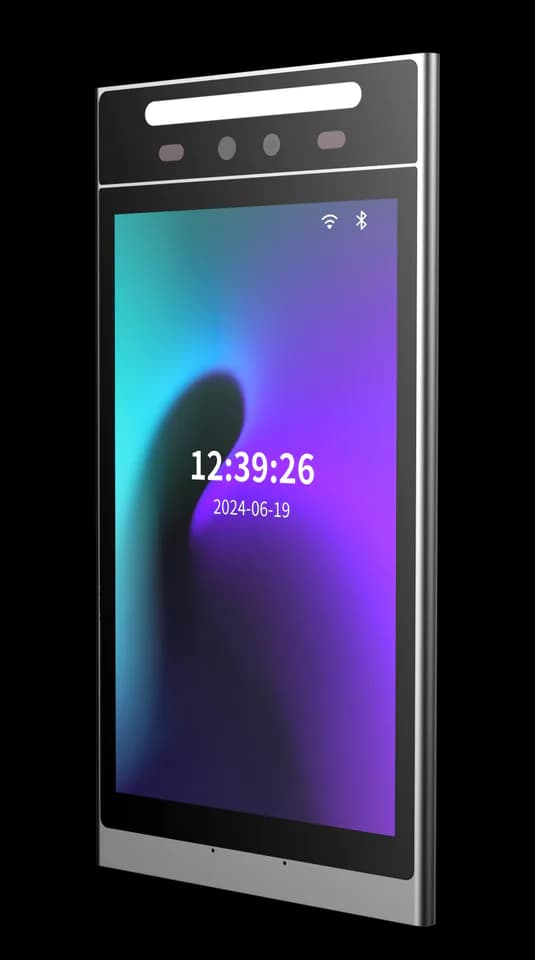
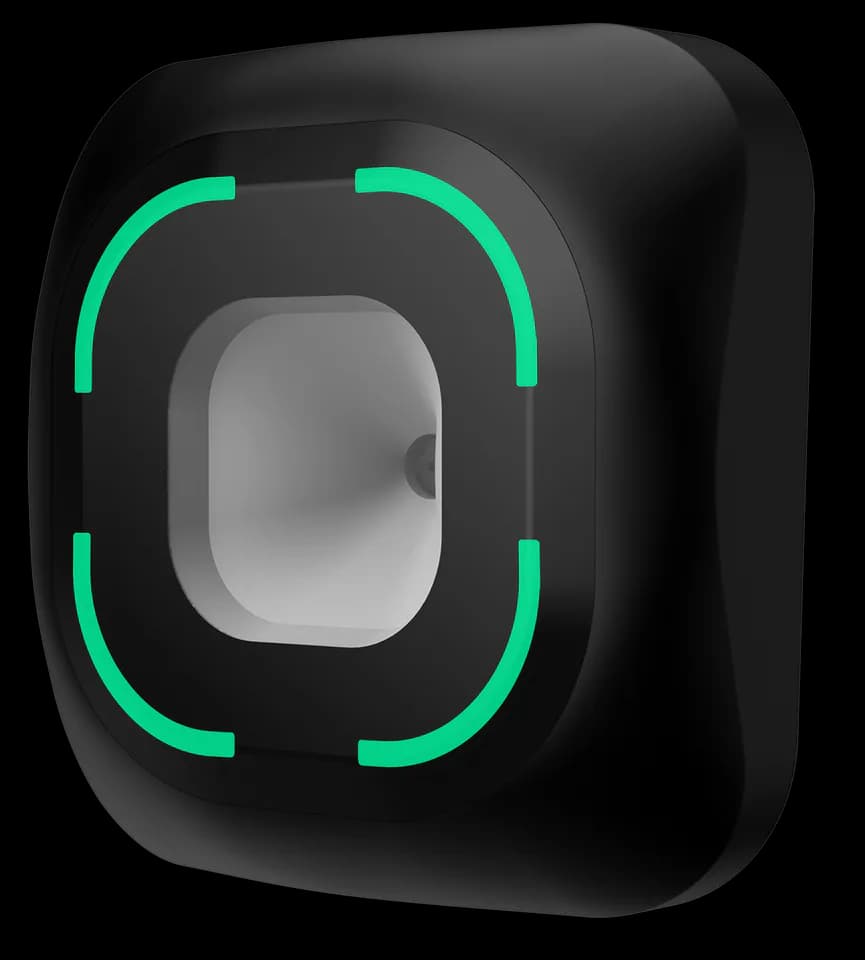
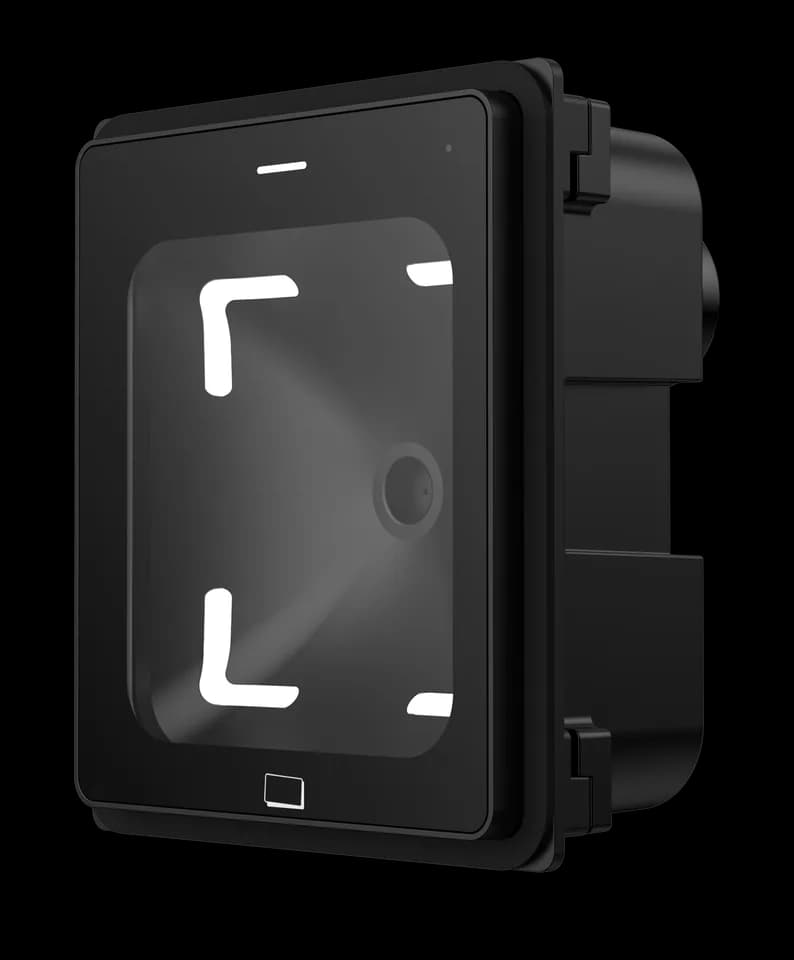
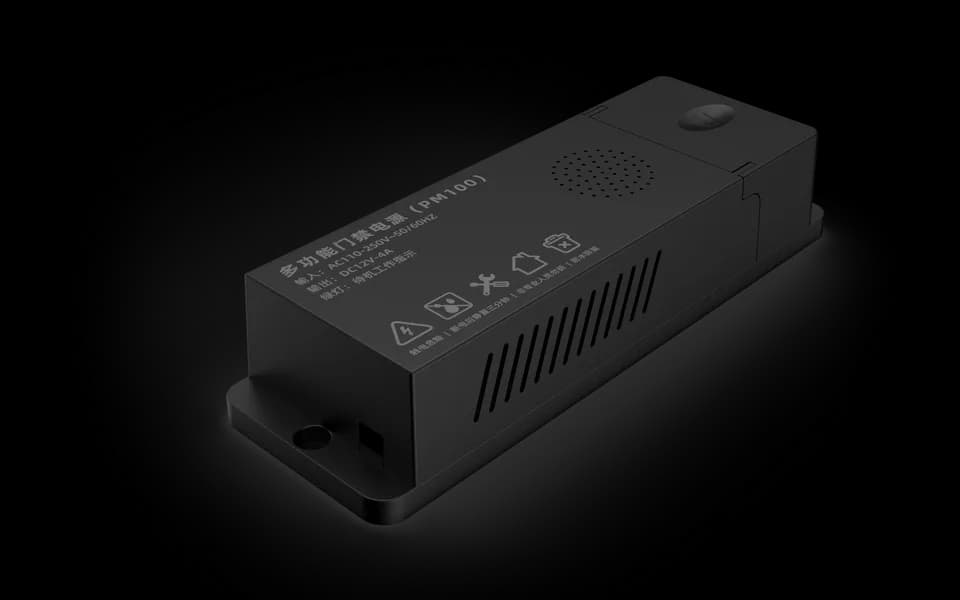
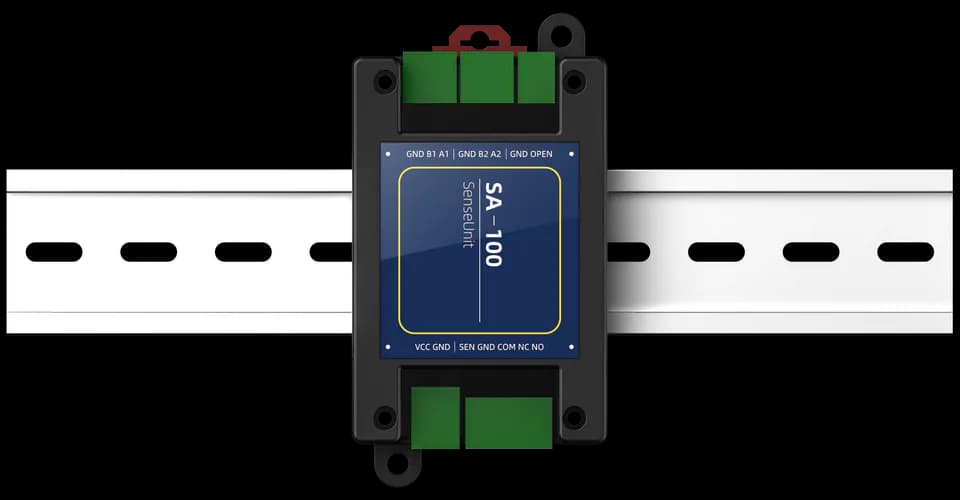
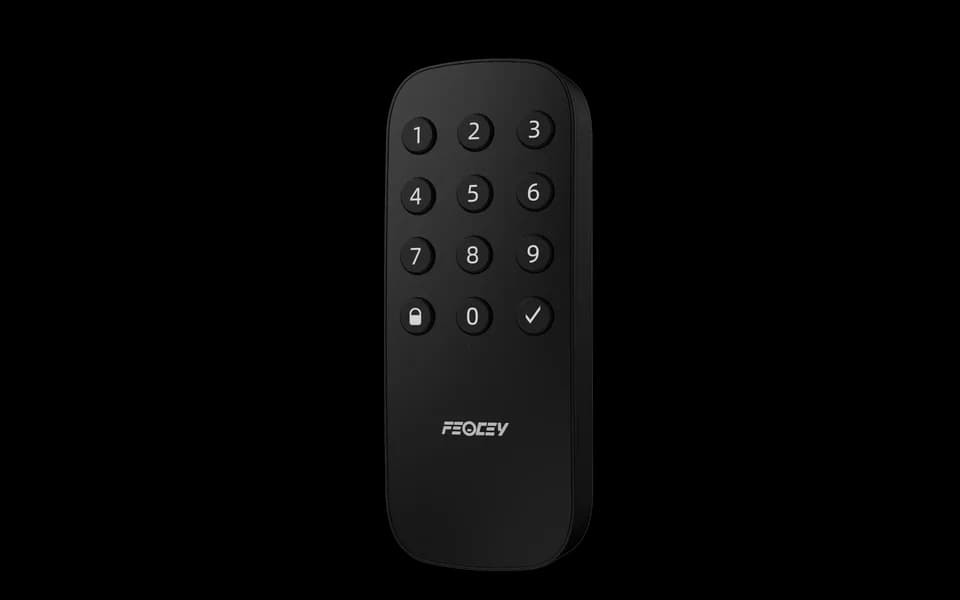
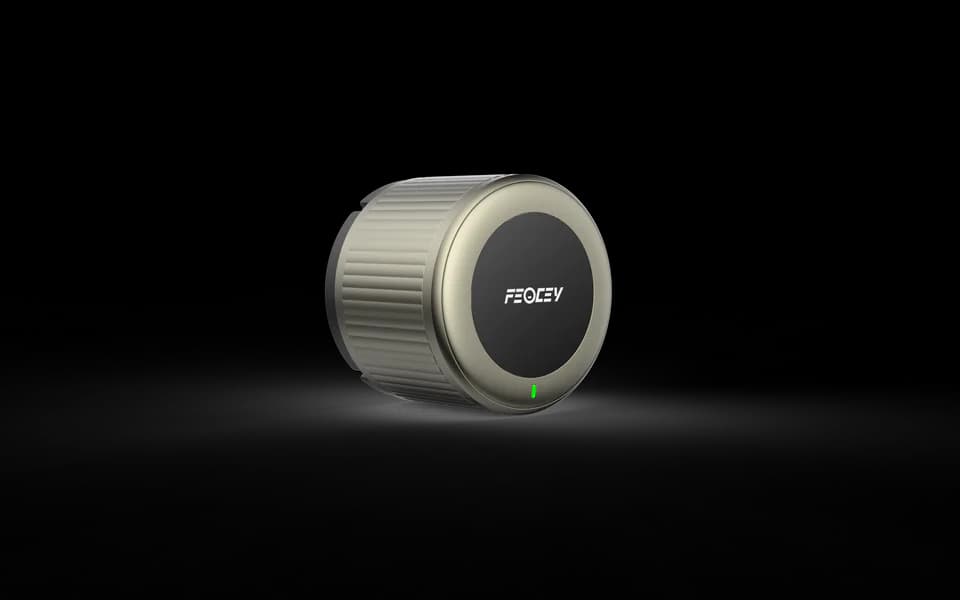
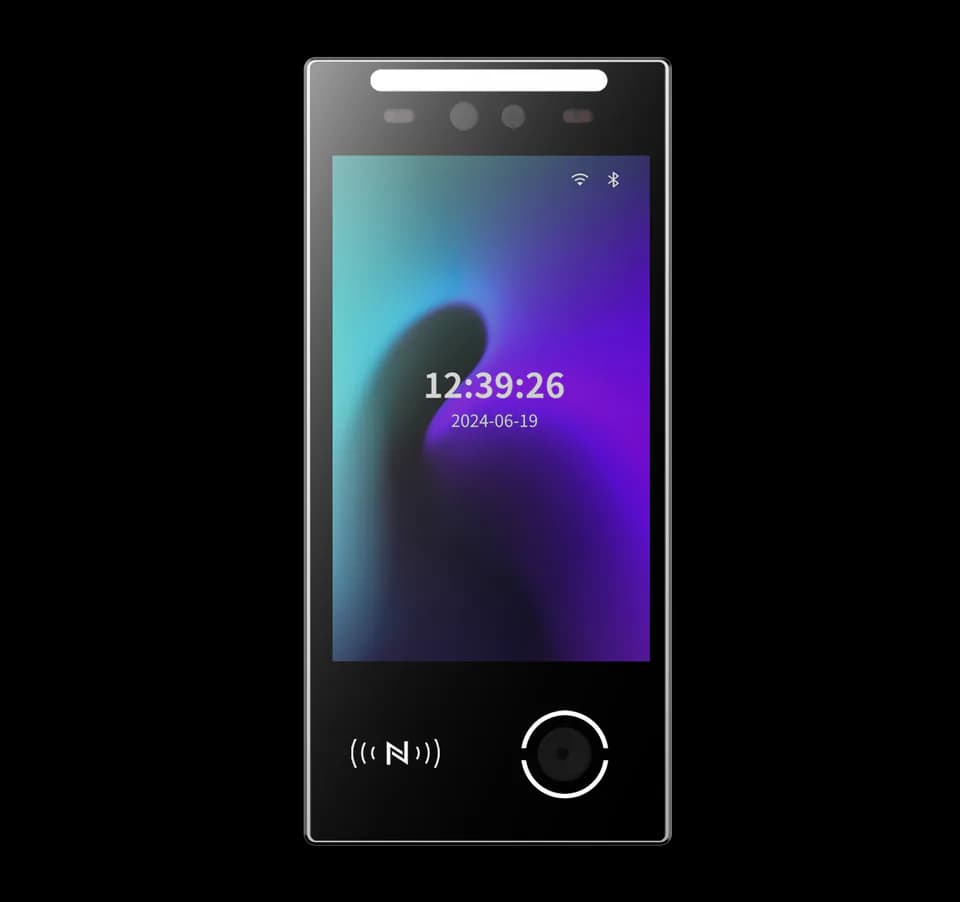
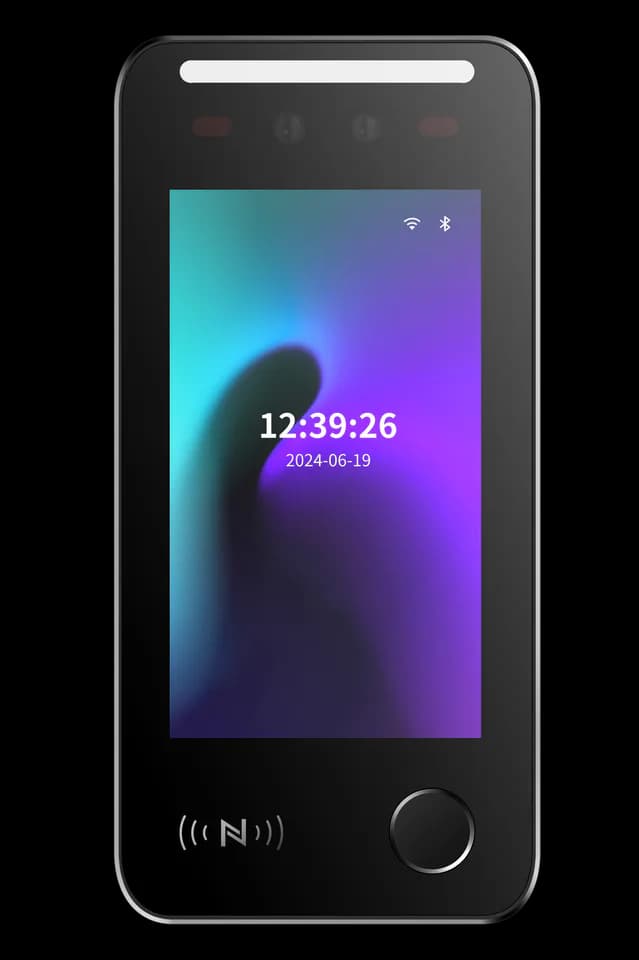
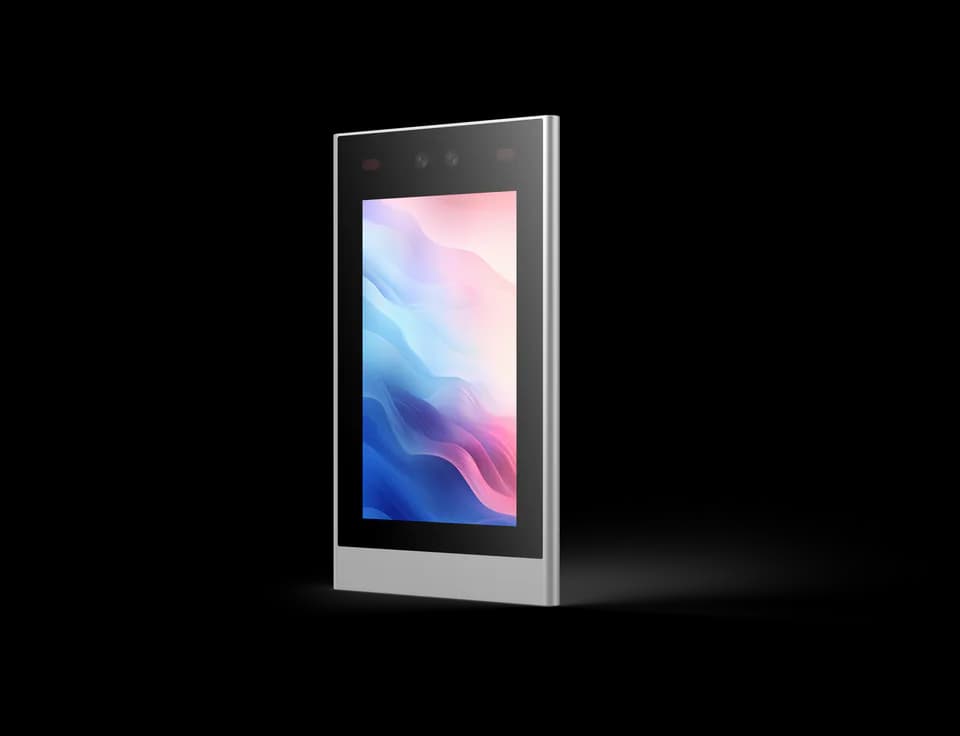
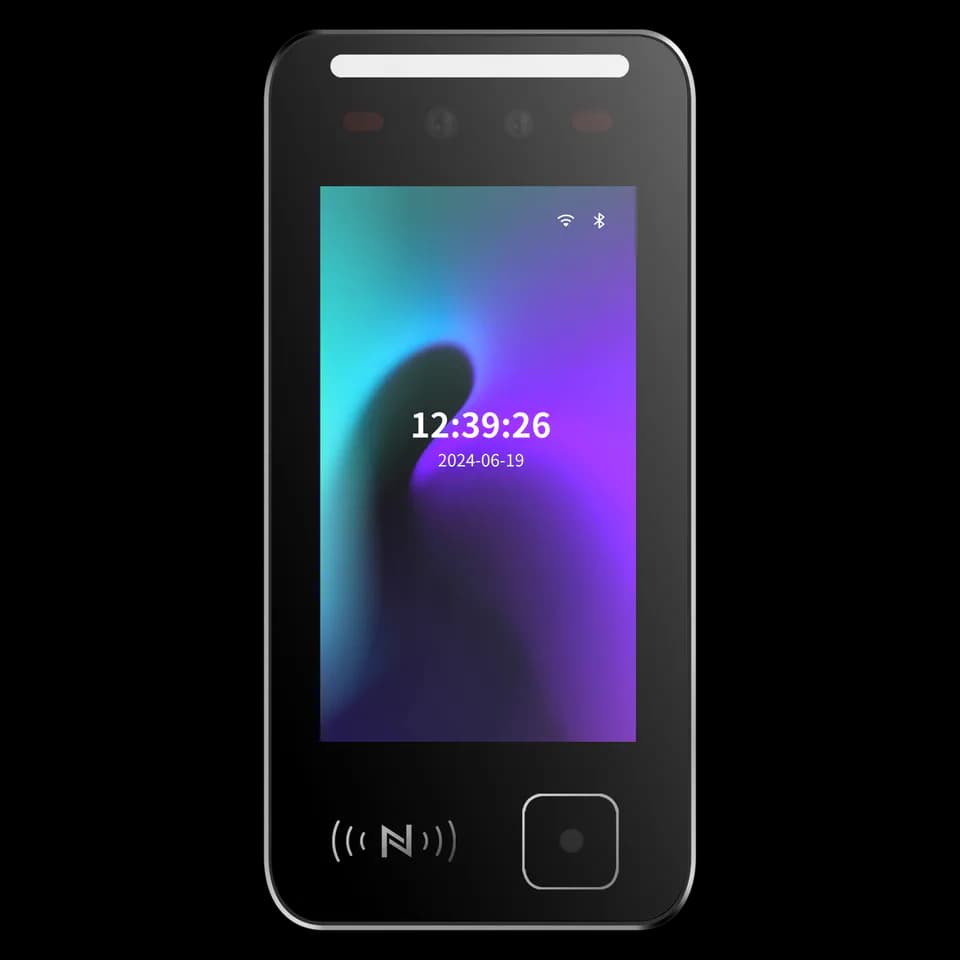
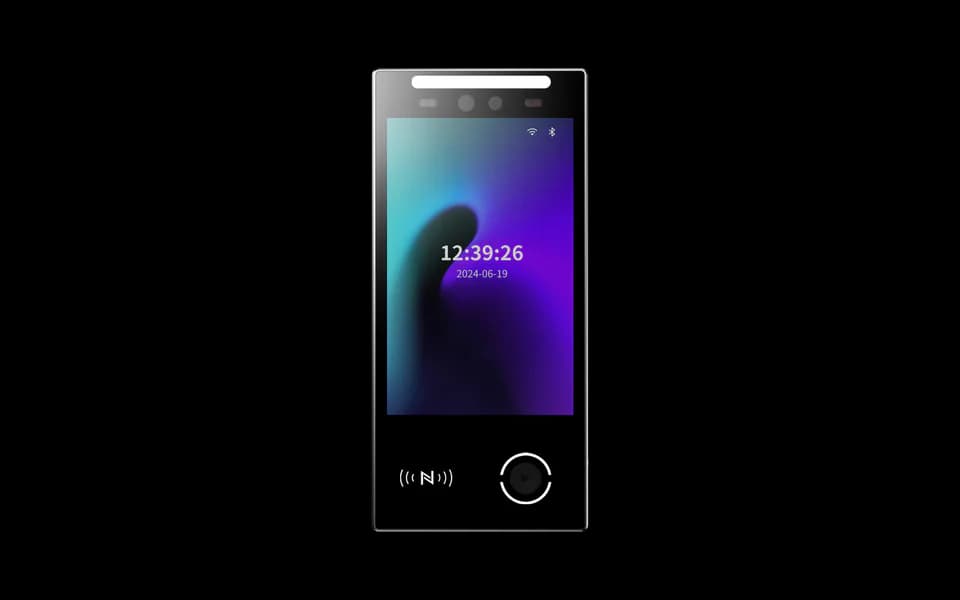
Face terminals for access, attendance and on-device workflows.
7 devicesComplete access solutions.
Hardware and software, shaped around your application.
Access & Entry
From a credential to the next step.
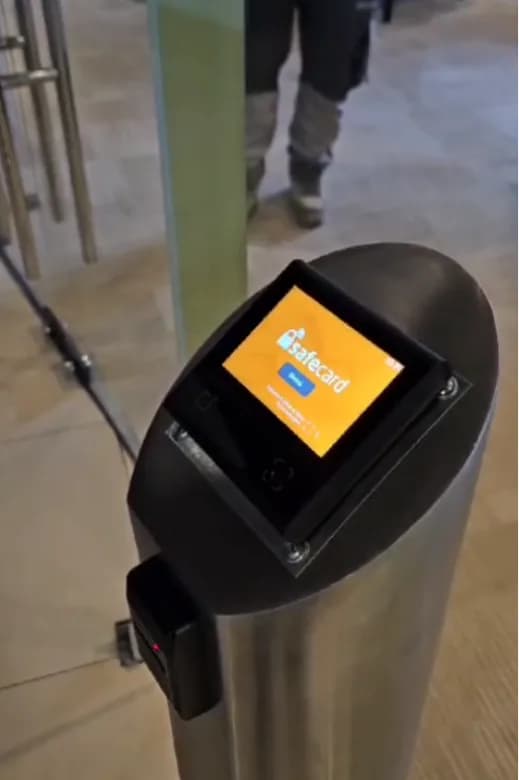
Connect a door, visitor pass or QR ticket with the rules in your access system. Start with the entry experience, then choose the hardware.
- 01Present a credential or ticket
- 02Check the project access rule
- 03Confirm entry and record the event
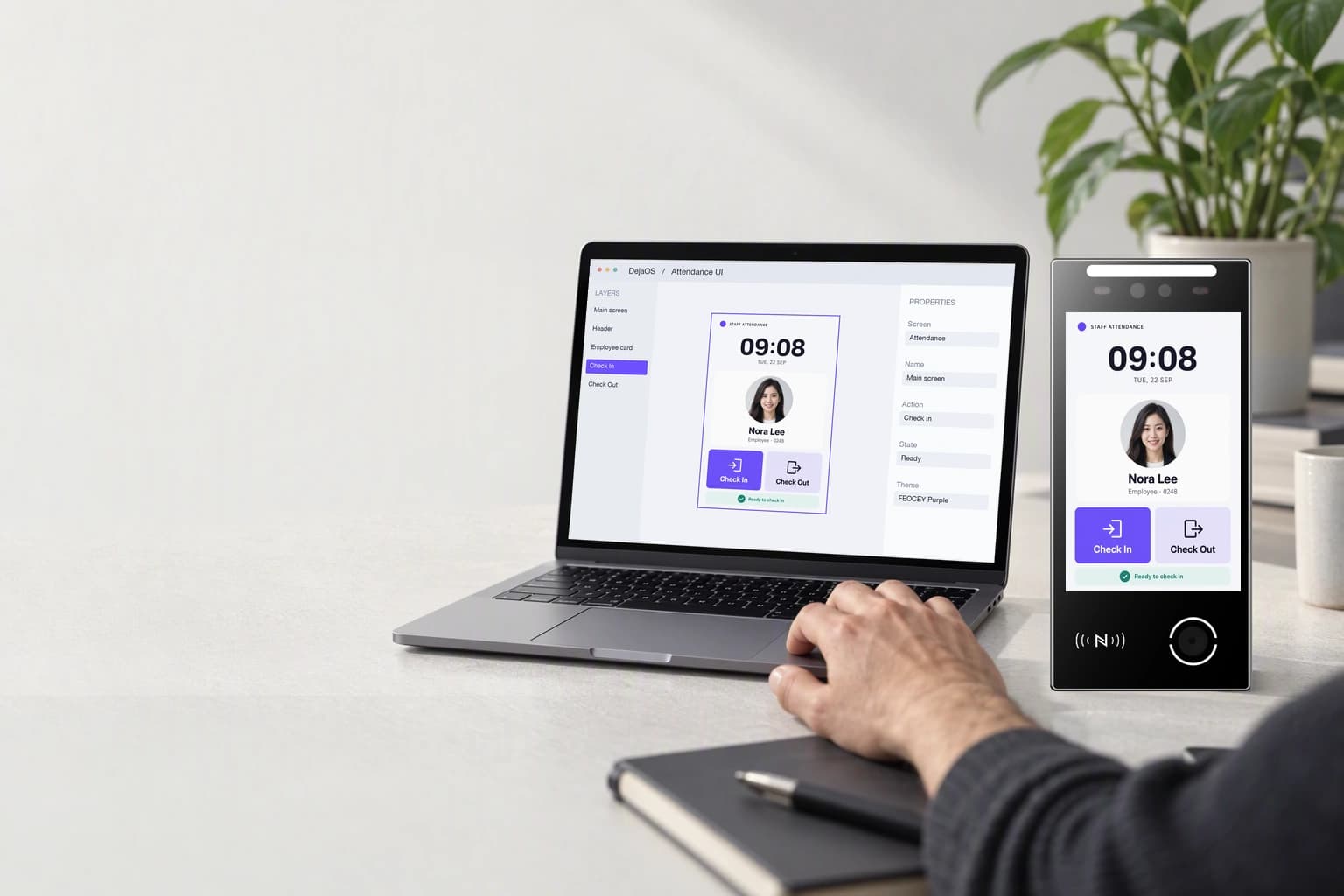
Build, deploy, and evolve with DejaOS.
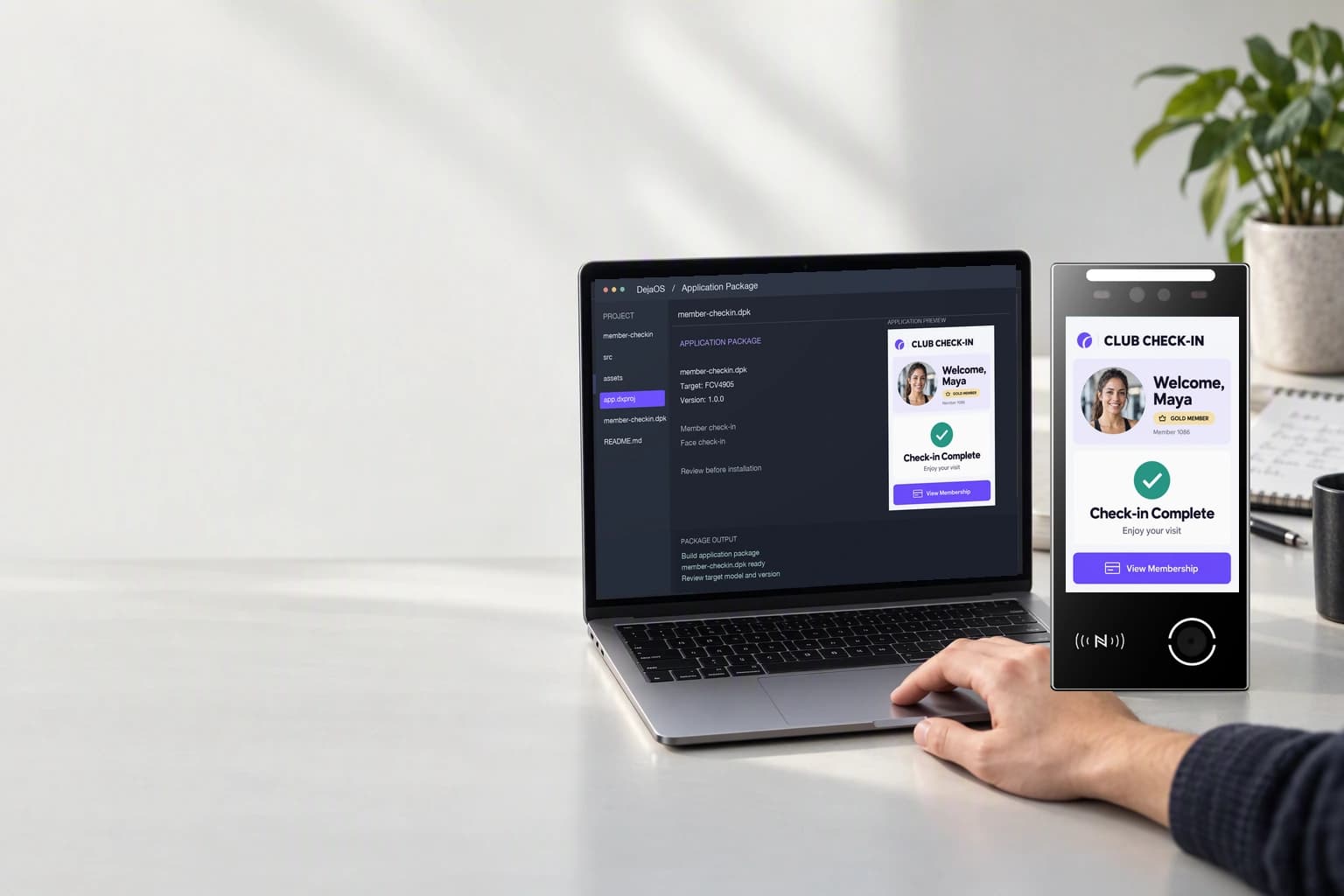
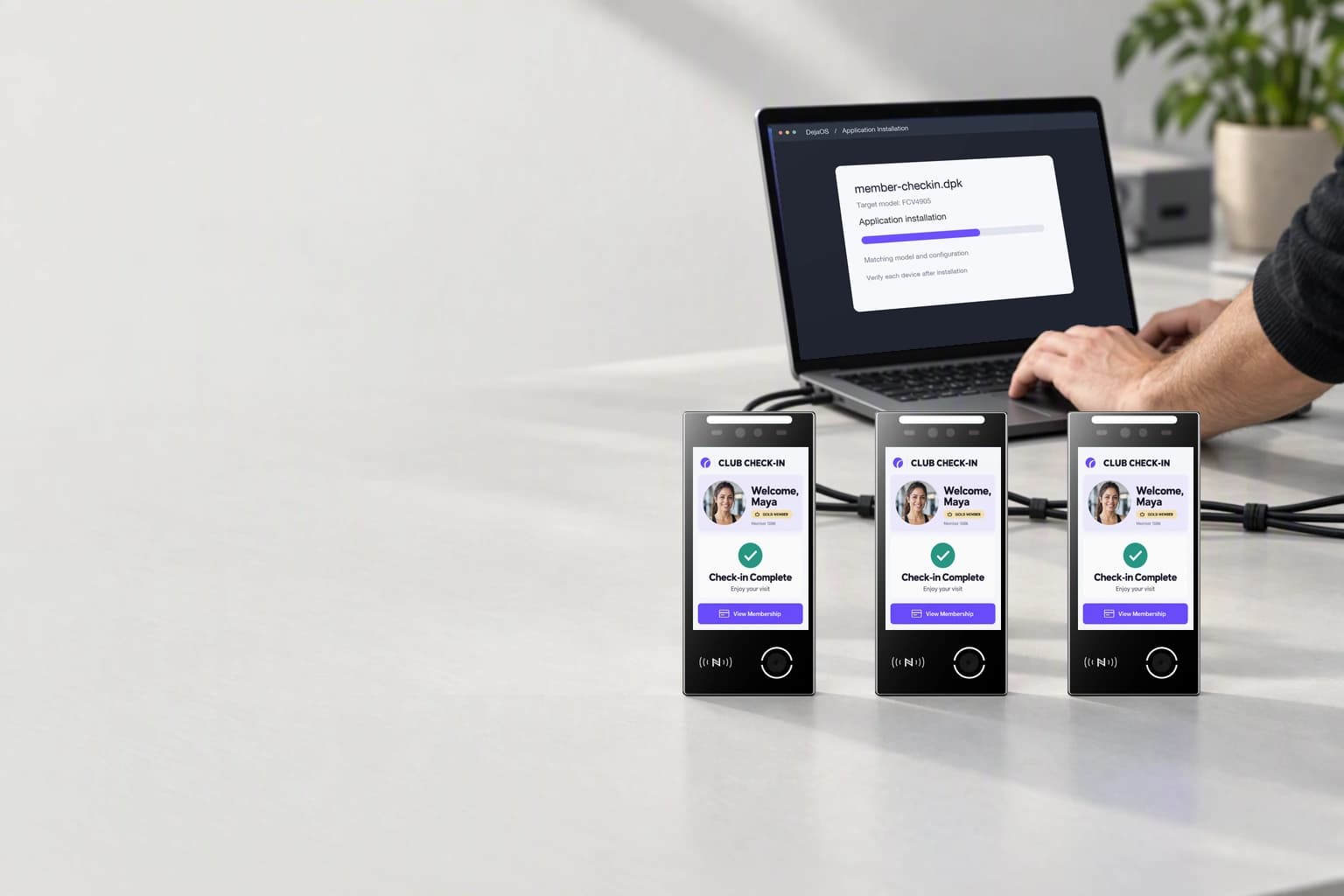
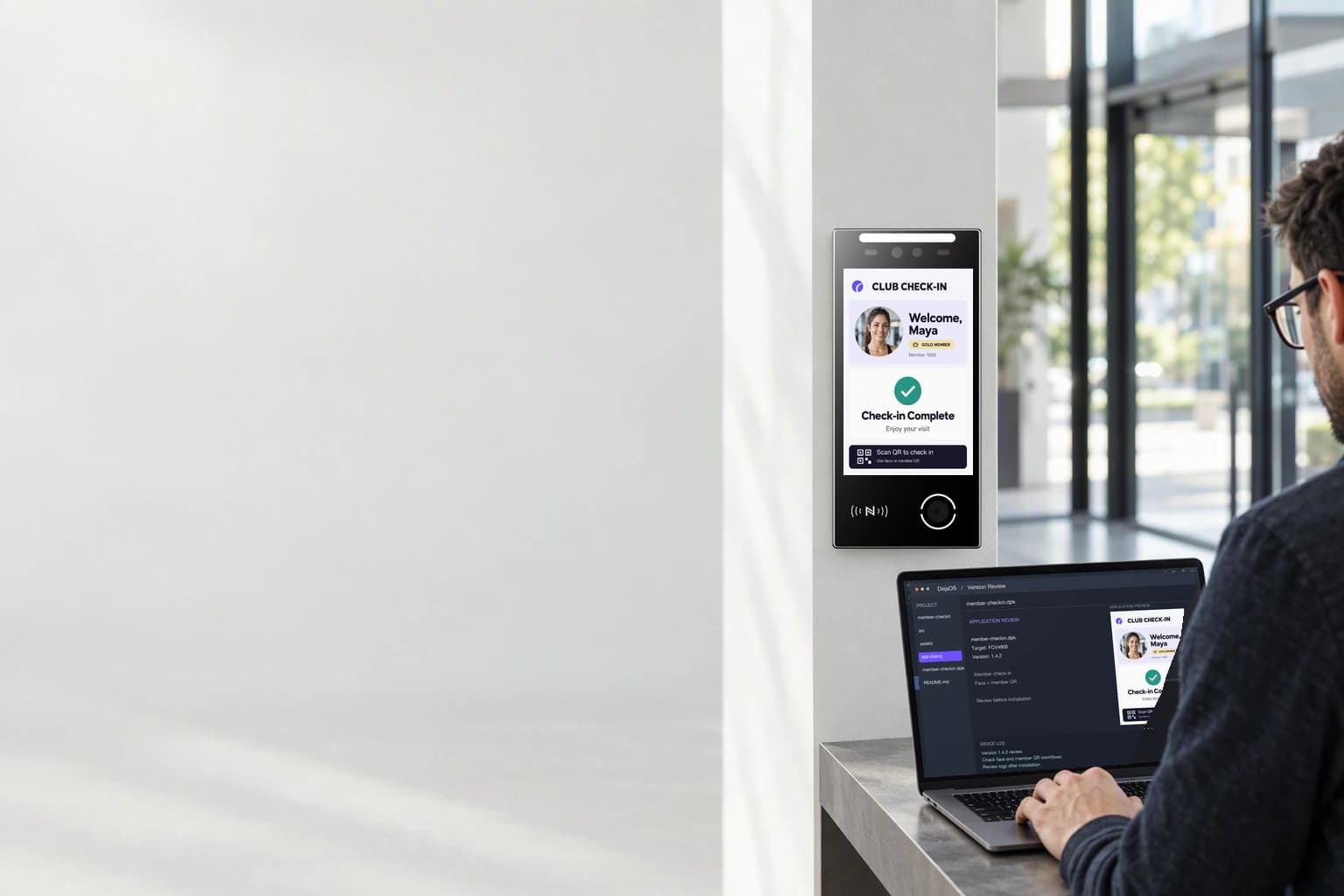
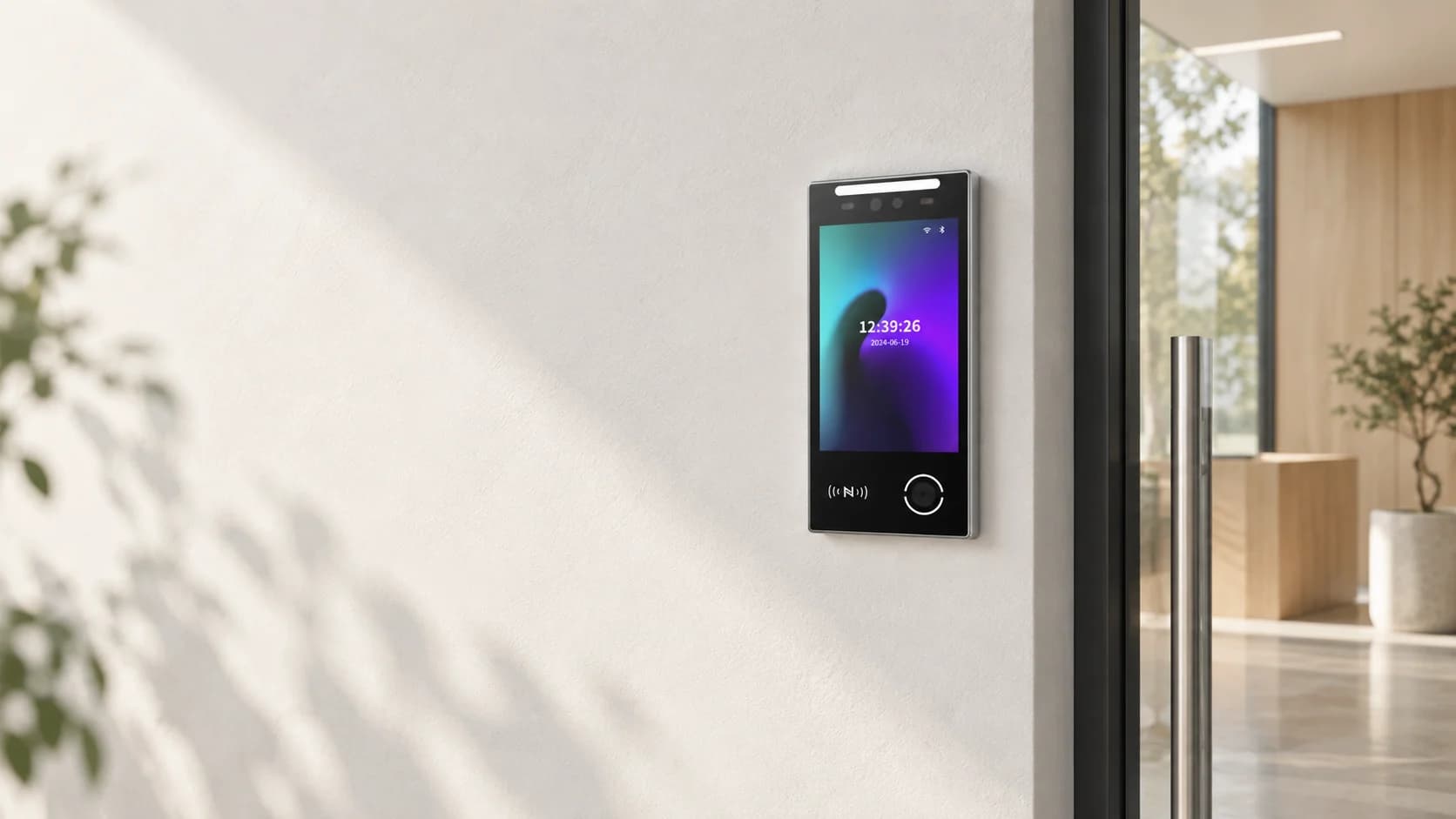
Your idea.
The right device.
Ready for production.
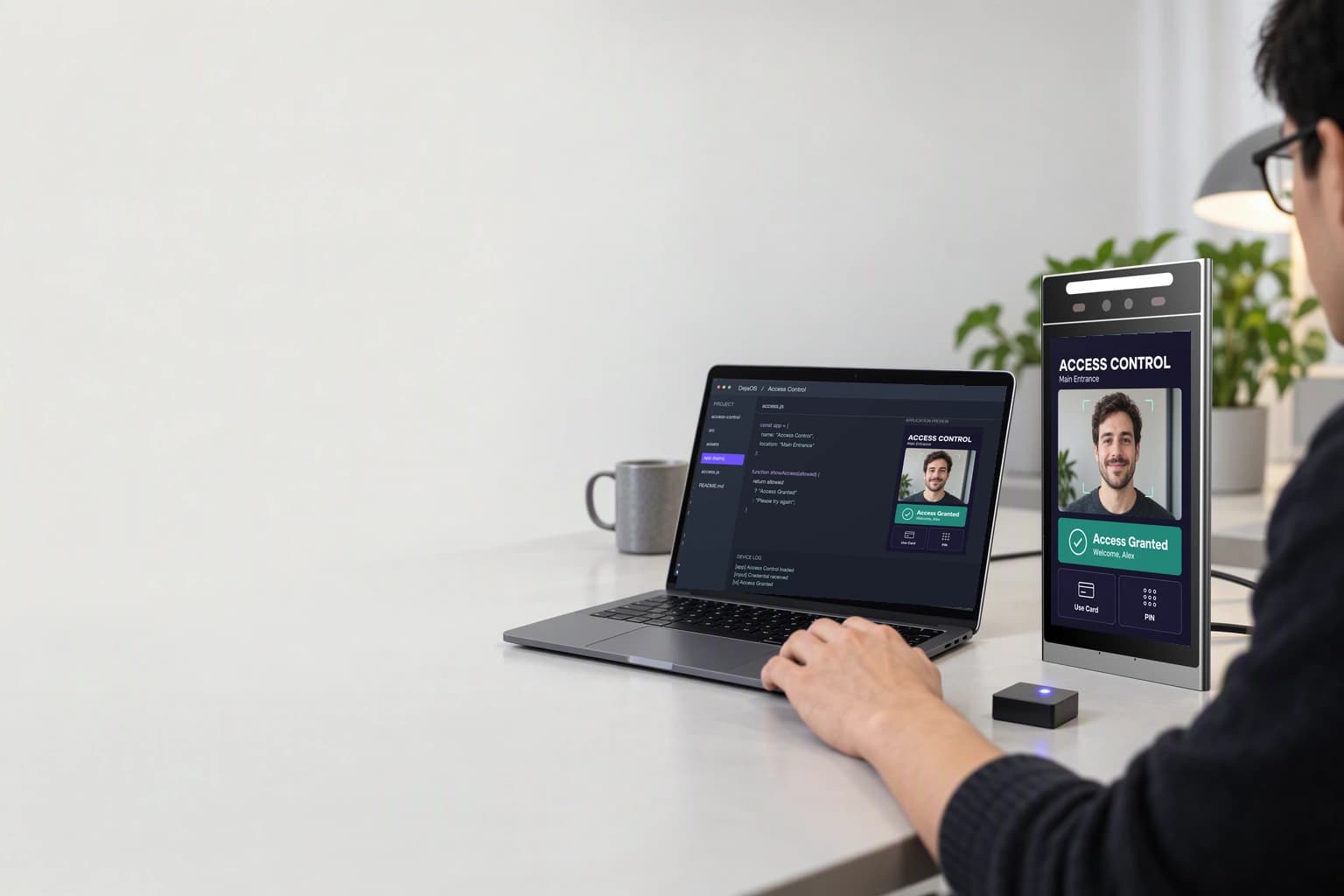
Find a Feocey device for your application, with configuration and integration support for your project.
Discuss your projectApplication scene illustration, not a customer installation.
See Feocey in action.
Watch product and development videos, browse field views, and get clear answers before you start.
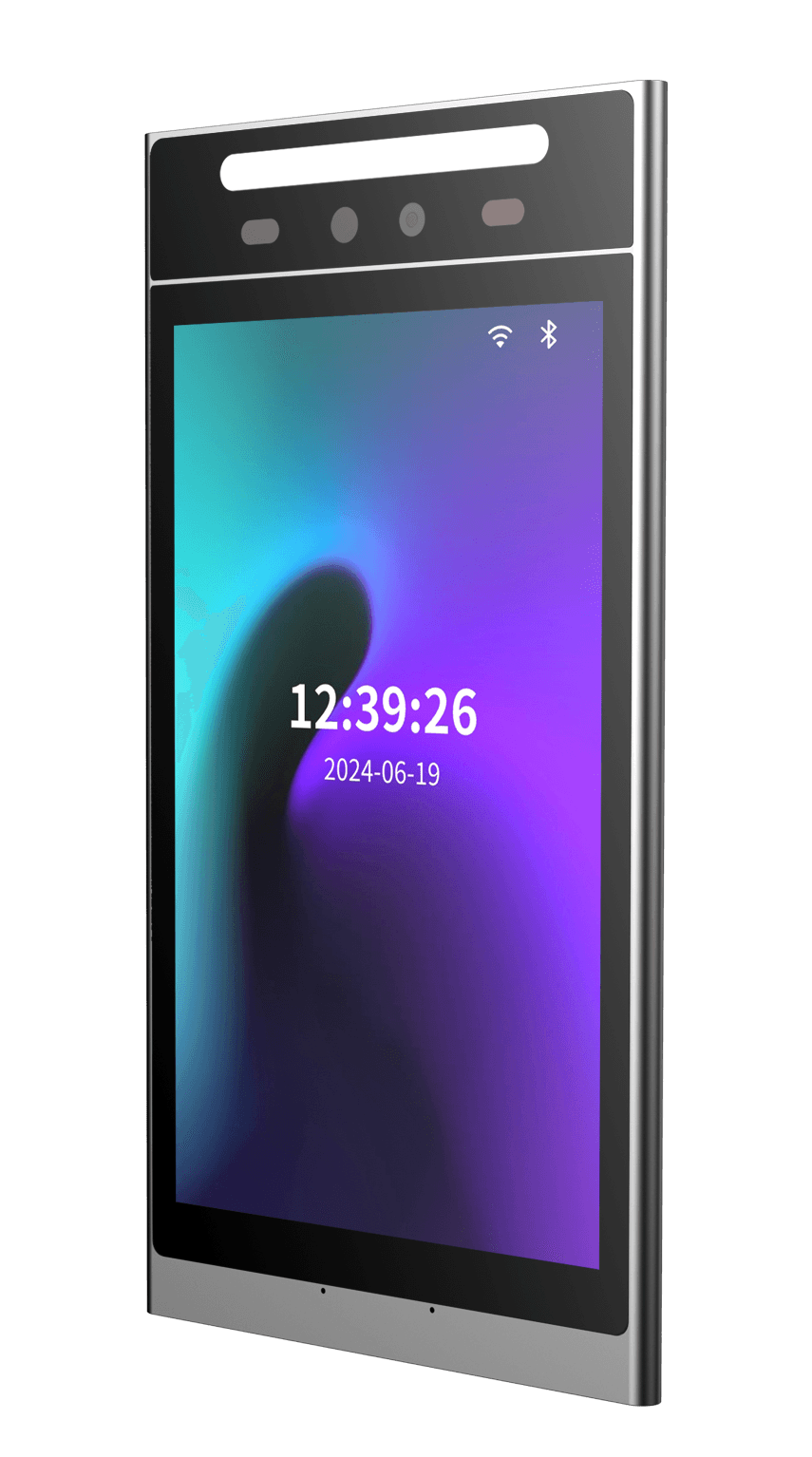 A closer look at Feocey hardwareA product portfolio walkthrough is being prepared for publication.Video in preparation
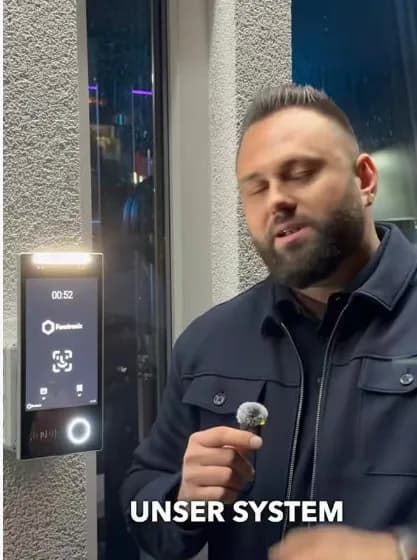
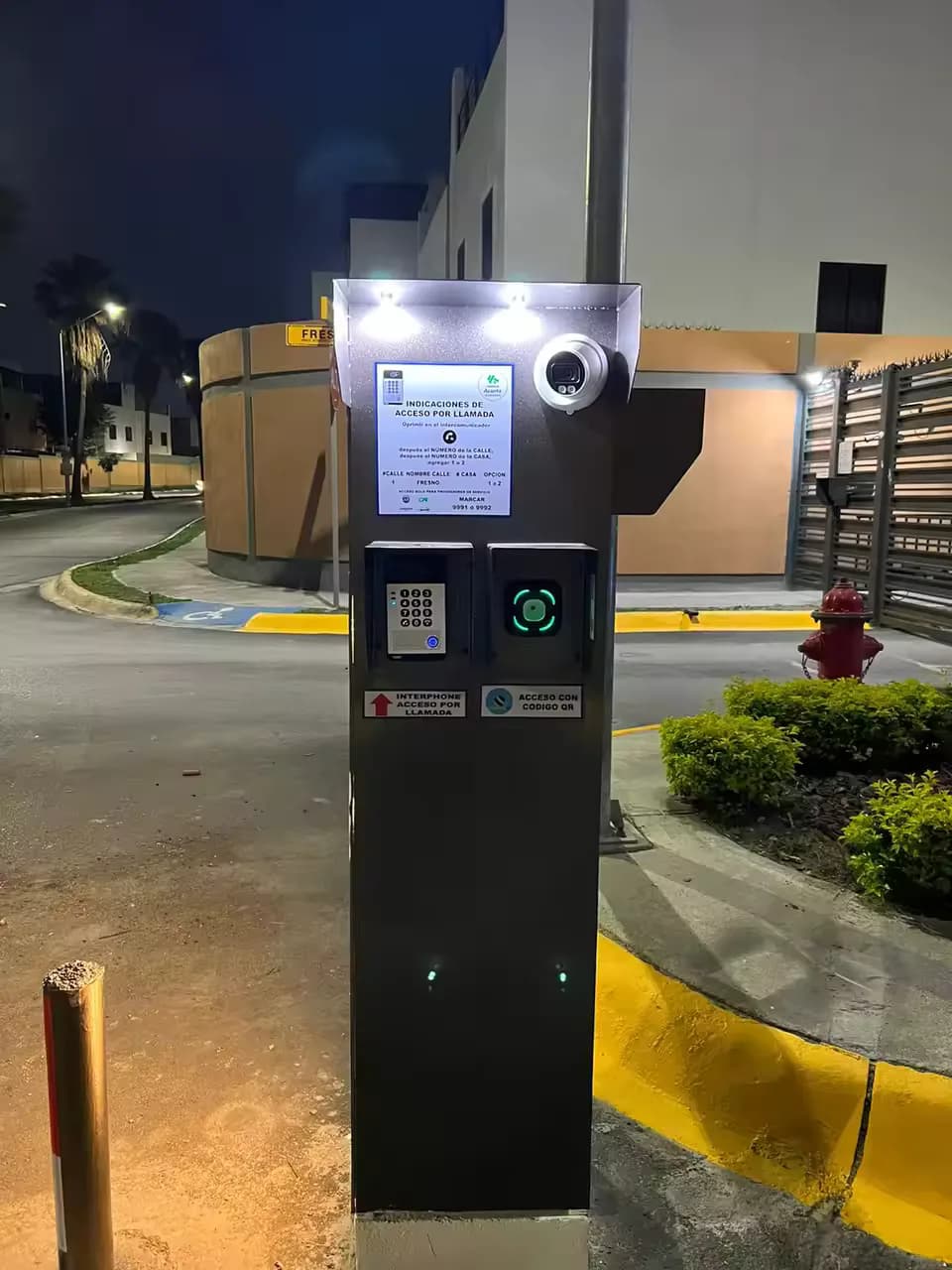
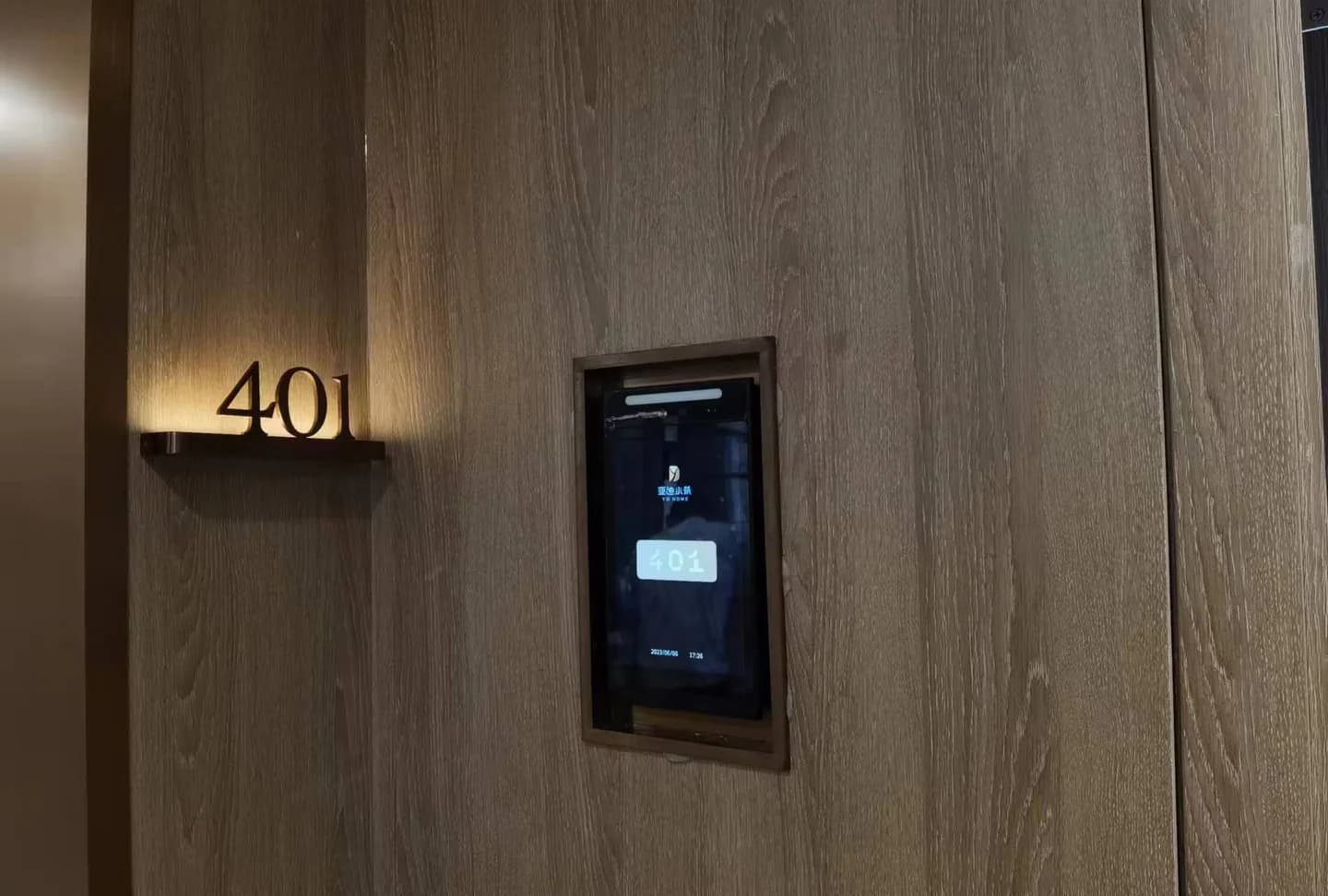 Access solutions in real spacesAn application overview will connect hardware with the spaces it serves.Video in preparation
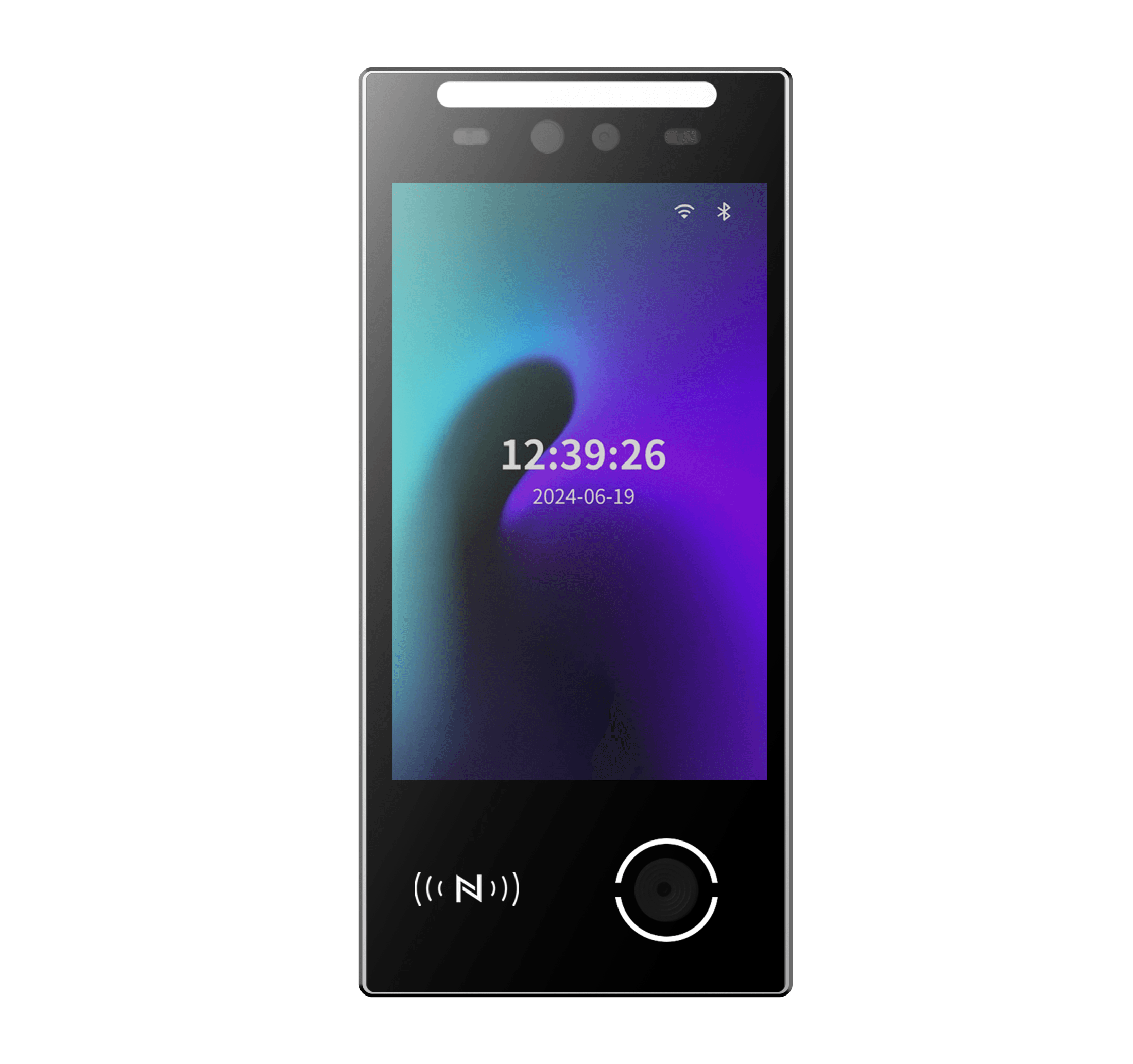 Build a device application with DejaOSA guided development walkthrough will follow the approved DejaOS documentation.Video in preparation
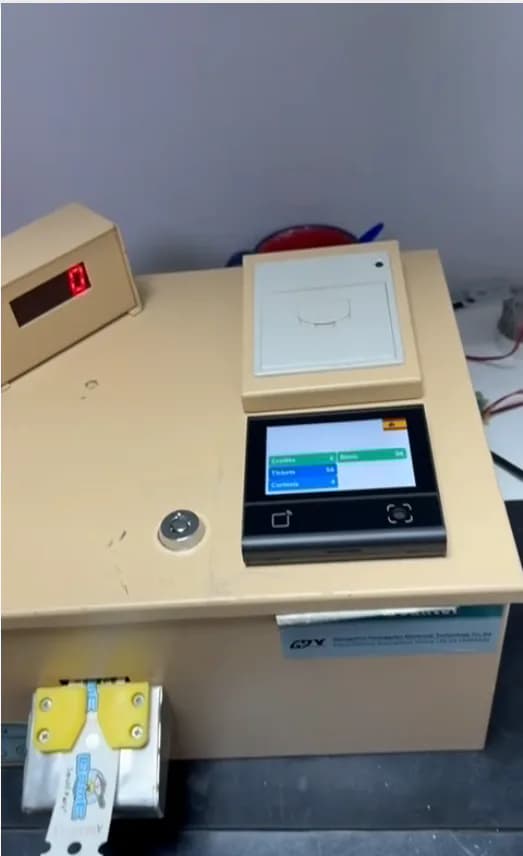
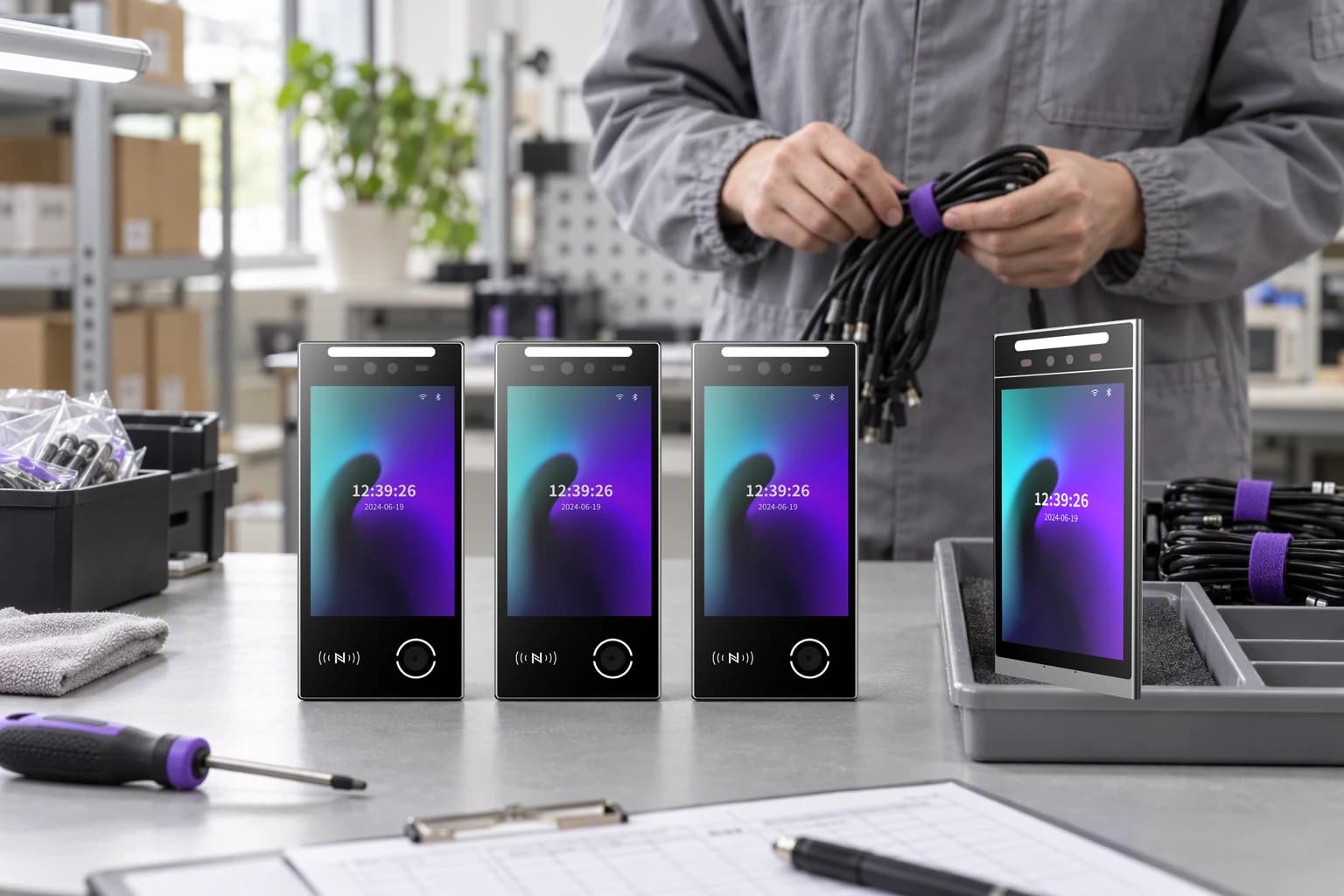 From development unit to volume deliveryA future video will explain development, real-device validation, production configuration and packing for delivery.Video in preparation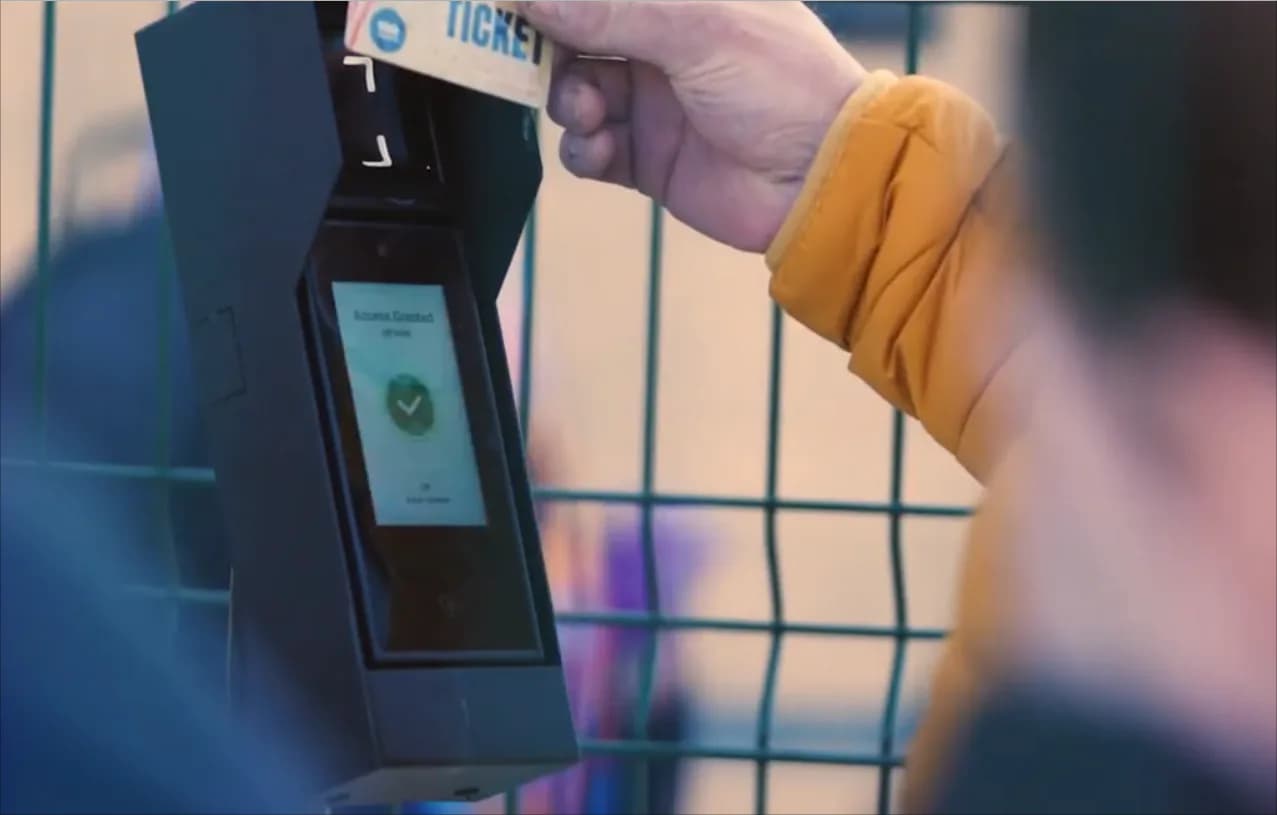
Frequently asked questions
Start with the credential, installation environment, required interfaces, software workflow, and expected quantity. Use the product and configuration pages to narrow the options, then confirm the selected hardware against your project requirements.
A sample and pilot can be used to evaluate the selected configuration and workflow before volume production. Sample availability, ordering terms, test scope, and the move from pilot to production must be confirmed for the project.