
QR Readers & Terminals
FC8134
QR reader
Explore FC8134 for your qr readers & terminals requirements. Contact our team to confirm the configuration for your project.
Designed for your workflow.
FC8134
QR reader
Explore FC8134 for your qr readers & terminals requirements. Contact our team to confirm the configuration for your project.
Explore the specifications ↓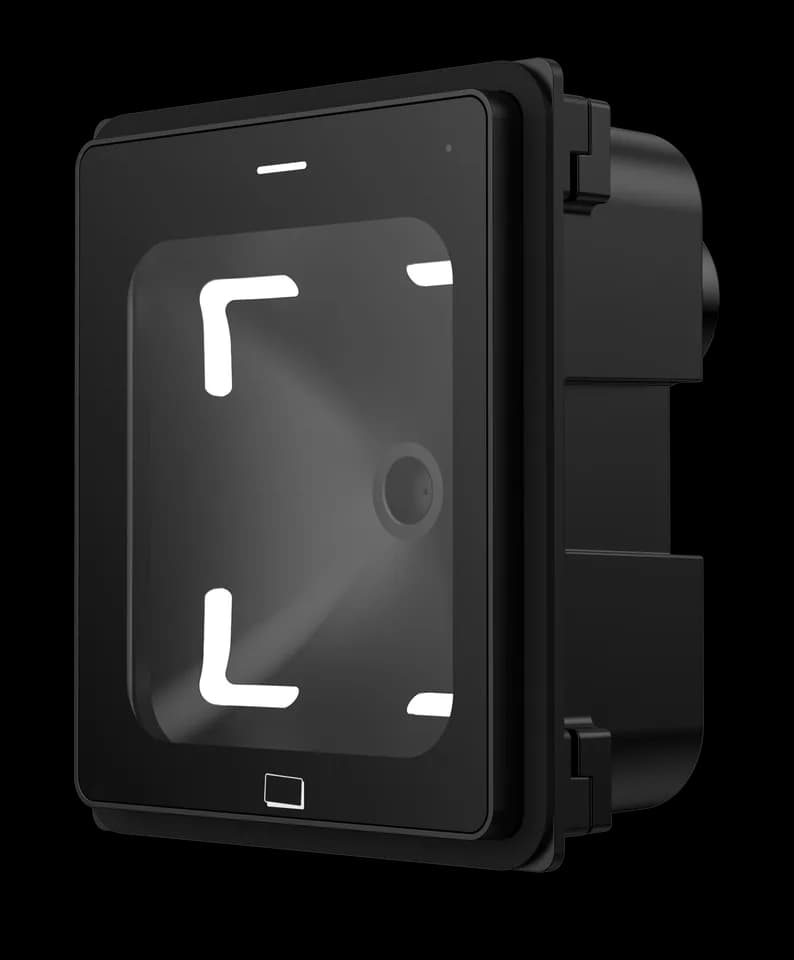
Choose your configuration.
The right configuration starts with your application, installation space and system interfaces. Review the information below and tell us what your project needs.
Specifications at a glance.
| Model | FC8134 |
|---|---|
| Product family | QR Readers & Terminals |
For the full parameter table, dimensions and configuration-specific interfaces, request the current specification from our team.
Plan the installation.
- Share the installation location, mounting space and host system with our team to confirm the matching configuration.
- Request the installation drawing and interface reference for your chosen configuration before preparing the mounting or wiring.
Manuals & specifications.
Looking for the FC8134 manual, specification or installation drawing? Tell us which information you need and we will help identify the right document.
Request documentsA few things worth knowing.
What should I check if serial output is missing or unreadable?
Match the baud rate, data format and electrical interface on both sides, then inspect the cable and any serial-to-USB adapter. Also confirm whether the reader is sending raw content or a framed protocol message before treating additional bytes as corrupted data.
Why can output differ from the original QR content?
A reader in transparent output mode may send the original content, while a protocol or development mode can add a header, length, device information and check data. Select the mode that matches the host application and use the protocol reference for that model and firmware.
Can repeated scans of the same code behave differently?
Yes. Single-read and interval modes can treat repeated presentation of the same code differently, while a different code may still be accepted immediately. Confirm which modes and repeat intervals are available for the selected reader before defining the user flow.
Can the same configuration tool be used for every reader?
Do not assume so. Reader firmware and access-control firmware can use different tools, configuration codes or platform commands. Share the overseas model, firmware and intended operating mode so the matching method can be checked before changing settings.
Does registering a person automatically grant access?
Not necessarily. Identity enrollment and access permission are separate steps in many systems. Confirm that the person, credential, target device, schedule and permission group have been linked and that the authorization was delivered successfully.
Is a network connection the same as a connection to the management platform?
No. A device can have local network access without maintaining its platform or messaging connection. Check the physical network, IP settings and service connection separately, using the indicators or logs available for the selected system.
FC8134 / Your next step
Let’s find your configuration.
Tell us your application, installation environment and quantity. We can help with product selection, documentation and the next steps.