
Project planning
Choosing access control for a gym
Follow the member journey from booking to entry, and choose the reader, software and fallback process together.
Start with the membership rules
A reader is one part of a gym entrance. The membership platform decides who can enter, when a membership expires and whether a class booking includes access to a particular area. Write those rules down before comparing devices.
Walk through a normal visit: a member approaches, presents a credential, receives a clear result and passes through the door or gate. Then repeat the exercise for a first visit, a frozen membership, a failed payment and an expired booking. These cases reveal what the integration actually needs to do.
Choose credentials around the members
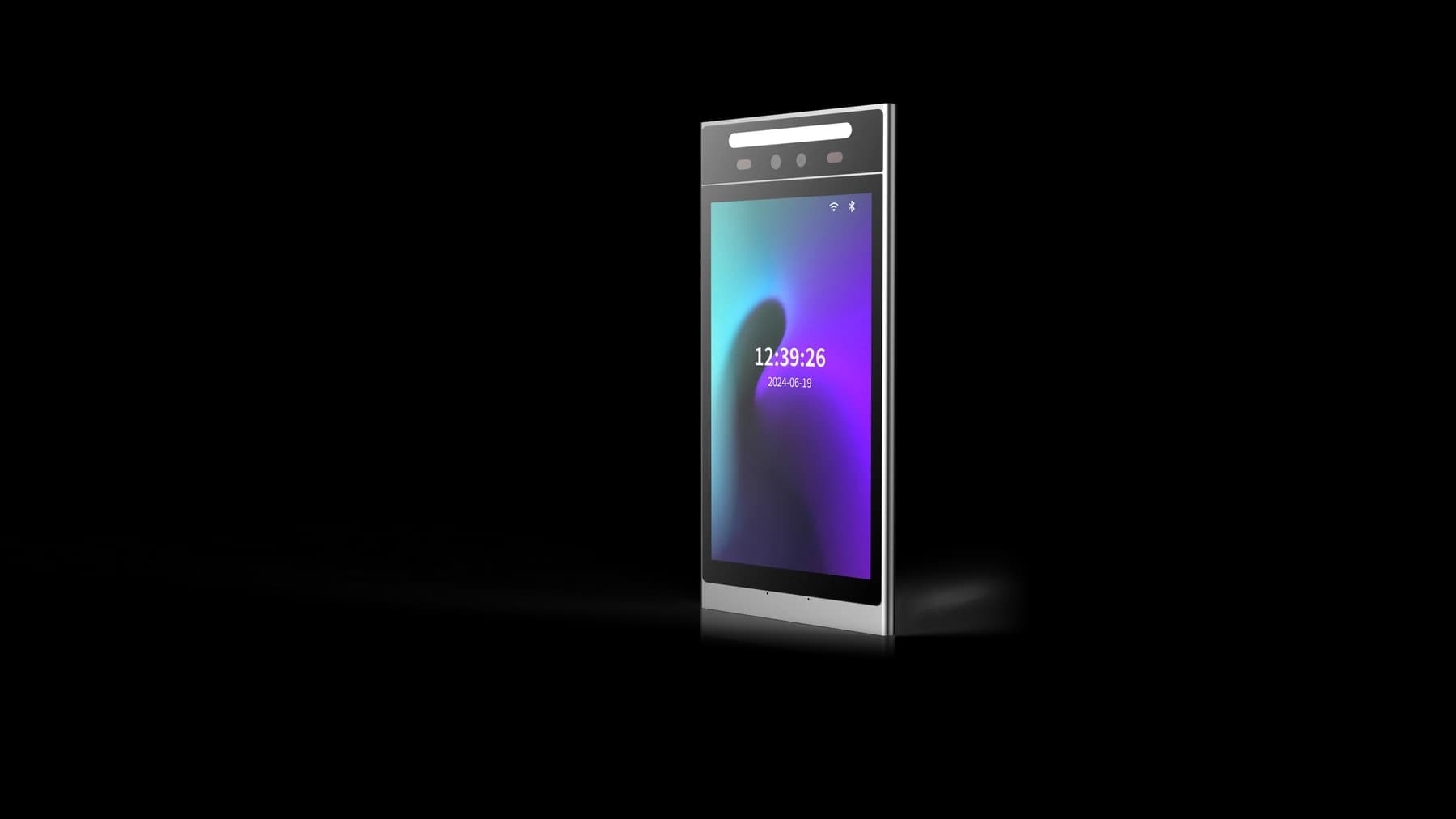
Cards, QR codes, PINs and face recognition offer different interactions. A phone QR code can fit an existing member app; a card gives members a physical credential; a supported face terminal can provide a hands-free interaction after enrolment. Availability depends on the selected device and application.
Include a practical alternative for someone with a flat phone battery, a lost card or difficulty using the preferred method. For biometric use, define enrolment, permission, retention and an alternative entry process with the operator.
- Decide whether credentials are reusable, time limited or tied to a booking.
- Confirm how revocation reaches the entrance and what happens while offline.
- Test screen brightness, approach distance and feedback with actual users.
Check the whole entrance
Place the reader where it can be used before the person reaches the gate. Review the mount, cable exit, network, power supply and the signal required by the door or turnstile controller. The reader does not replace the gate’s safety or emergency exit arrangements.
A busy entrance deserves a trial at the expected arrival pattern. Observe queues, repeated scans, rejected credentials and staff interventions. A recognition figure on a specification sheet does not describe the complete entry time.
Pilot before expanding
Connect one entrance to the membership system and exercise the complete lifecycle: create, update, suspend, restore and remove a membership. Verify event records and duplicate handling, including a network interruption and recovery.
Build the budget around hardware, mounting, installation, software integration, credentials and ongoing support. Agree who maintains each part. When discussing a Feocey device, send the proposed member journey and the platform’s interface documentation along with the model you are evaluating.
Put the guide to work
Explore the hardware.
Review the selected model and configuration for your application.
Discuss your project ↗