
Installation
Planning access control for an office building
A practical sequence for surveying doors, defining tenant access and handing over a maintainable installation.
Create a door schedule
Survey each entrance and record the door, lock hardware, reader location, exit devices, power and network route. Identify public areas, tenant areas, equipment rooms and shared spaces. Include the team responsible for each door.
The installer and building operator should agree the required emergency exit and fire system behaviour before equipment selection. Local requirements and the actual door assembly determine the design; a generic access diagram is not an installation approval.
Define permissions and integrations
Separate building administration from tenant administration. Decide who can enrol users, issue visitor credentials, view events and revoke access. Document time schedules, shared entrances and how a tenant moves in or leaves.
List each integration—visitor management, attendance, lifts or building management—and identify the system responsible for the decision. Specify the information exchanged and the expected response when that system is unavailable.
Plan wiring and service access
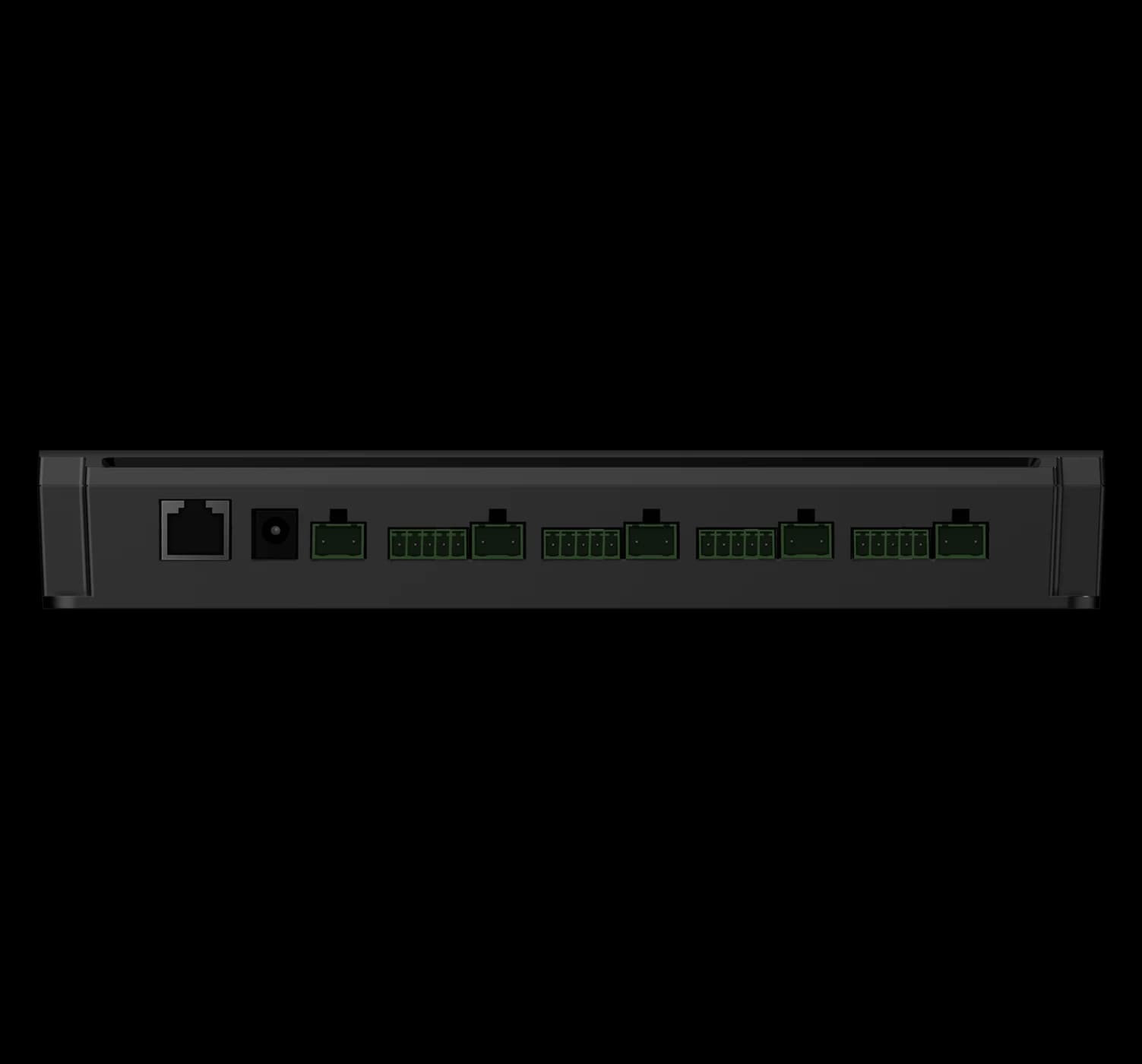
Match reader interfaces and controller inputs to the selected configuration. Review the lock supply separately from reader power, and label cables so future technicians can identify the door, device and connection. Keep the installation drawings with the completed system.
Provide room for connectors, enclosure opening and replacement. Choose network and power backup arrangements according to the operator’s requirements, then test the intended runtime and recovery. PoE is an option only where the selected device and power equipment support it.
Commission one door, then the building
Start with a representative door before repeating the installation. Verify correct and incorrect credentials, expired access, lock response, door status and authorised exit. Check that the event recorded by the management platform matches what actually happened.
Carry out outage, recovery and emergency operation tests with the responsible installer. Avoid relaxing access rules to conceal a queueing problem: investigate placement, application response and the complete entry sequence.
- Test tenant boundaries and administrator permissions.
- Check visitor expiry and removal of former users.
- Record device models, firmware and final wiring.
- Train staff in routine operation and escalation.
Make the handover usable
Provide the door schedule, configuration backup, operator instructions and support contacts. Agree who approves later firmware, network and access rule changes. A working first day is only part of the job; the operator also needs a repeatable way to add users, diagnose a failed door and restore service.
Put the guide to work
Explore the hardware.
Review the selected model and configuration for your application.
Discuss your project ↗