Your application. Your environment.
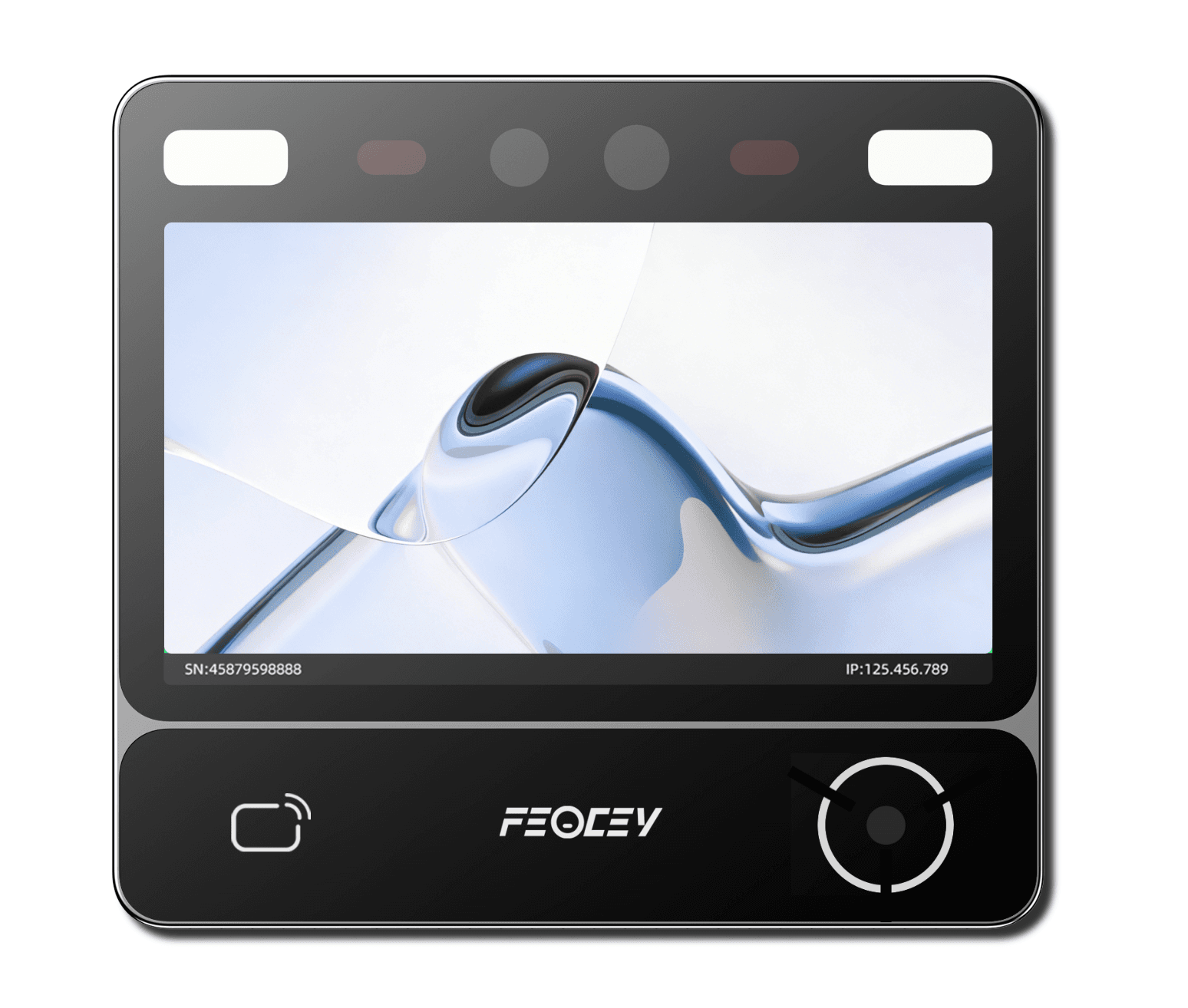
An Android 11 platform with an 8-inch touch display. Discuss the application, mounting point and network with our team to select the right configuration.


Face Terminals
Android face terminal
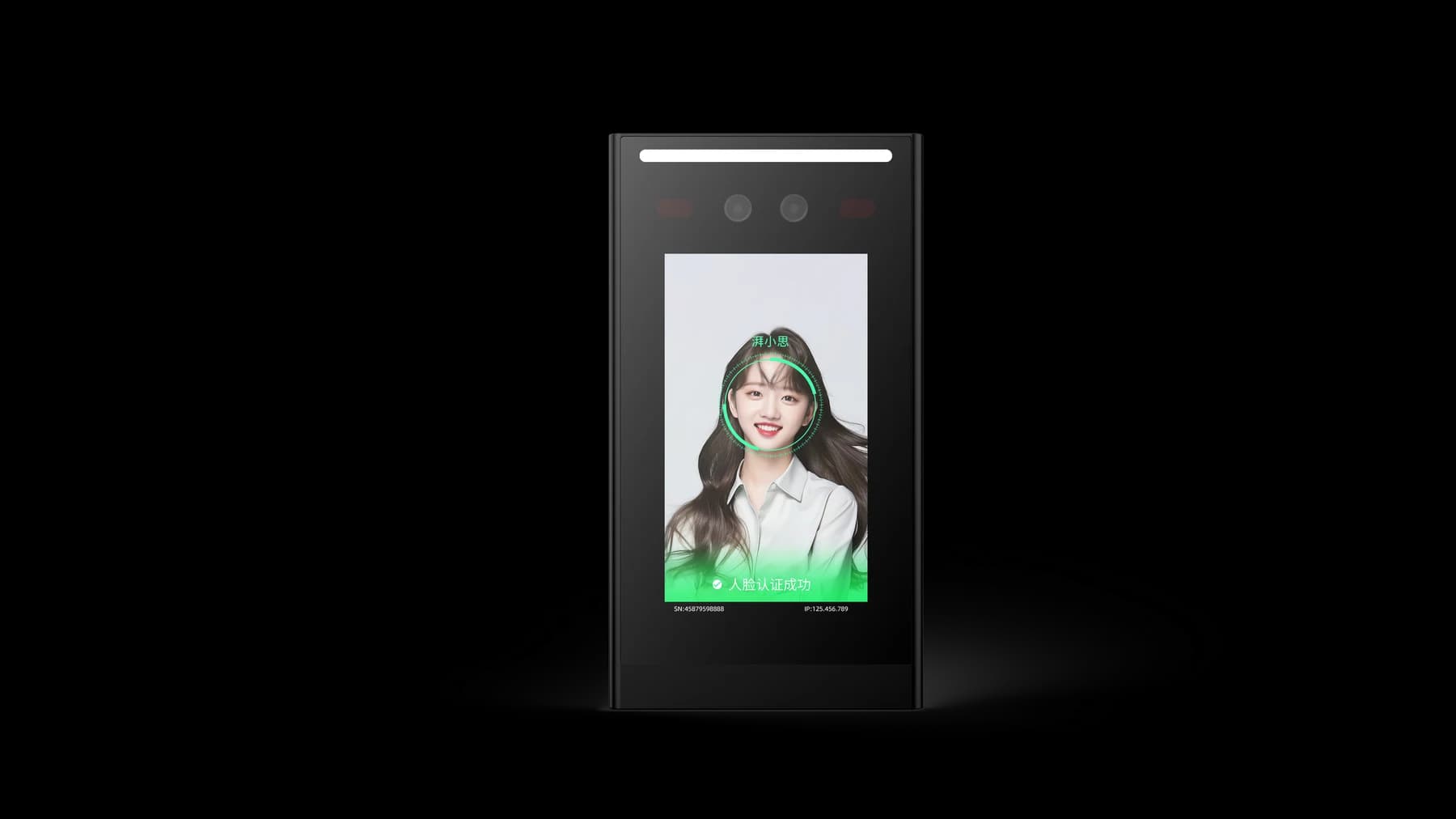
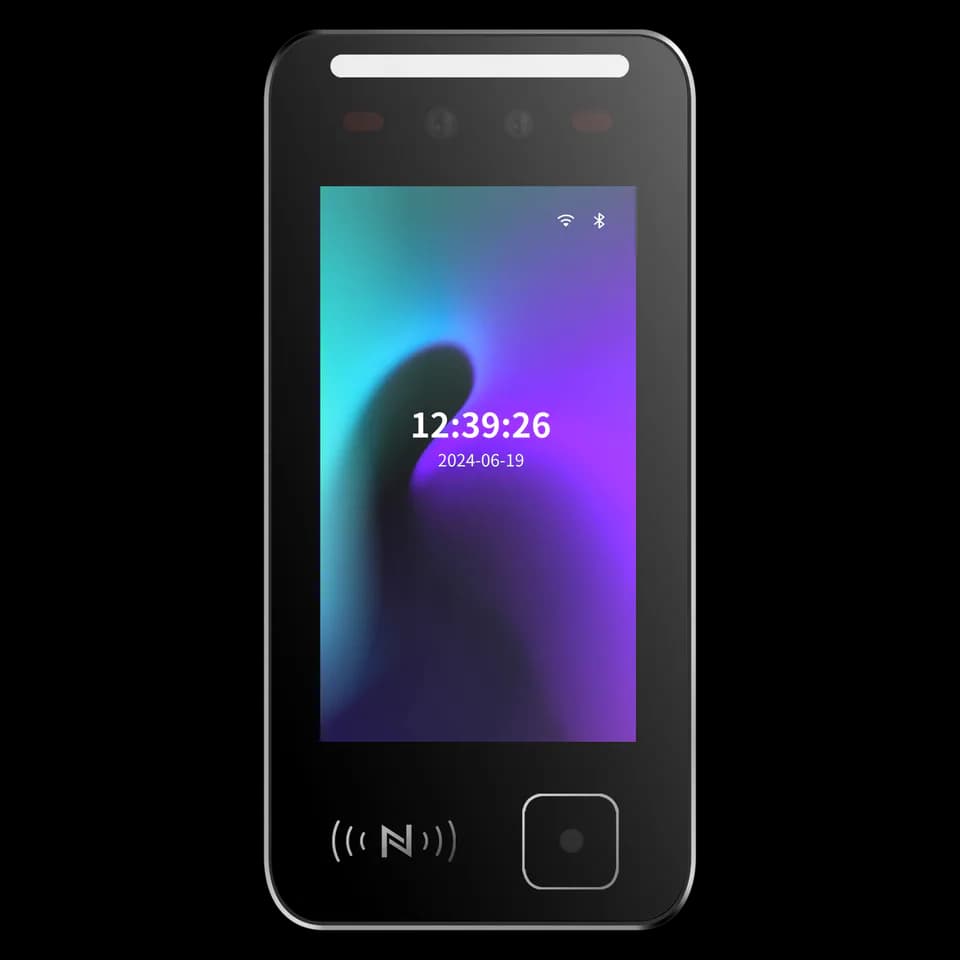
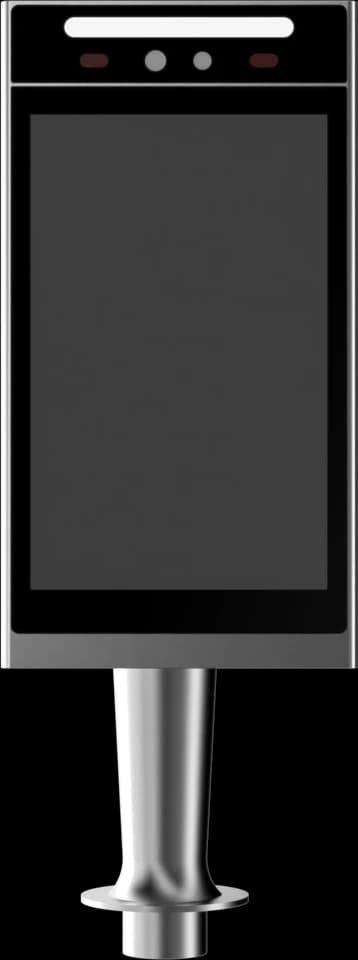
Build your device experience on an 8-inch touch terminal running Android 11. FCV5006 supports wall, pedestal and desktop arrangements with the appropriate mounting accessories.
An Android 11 platform with an 8-inch touch display. Discuss the application, mounting point and network with our team to select the right configuration.
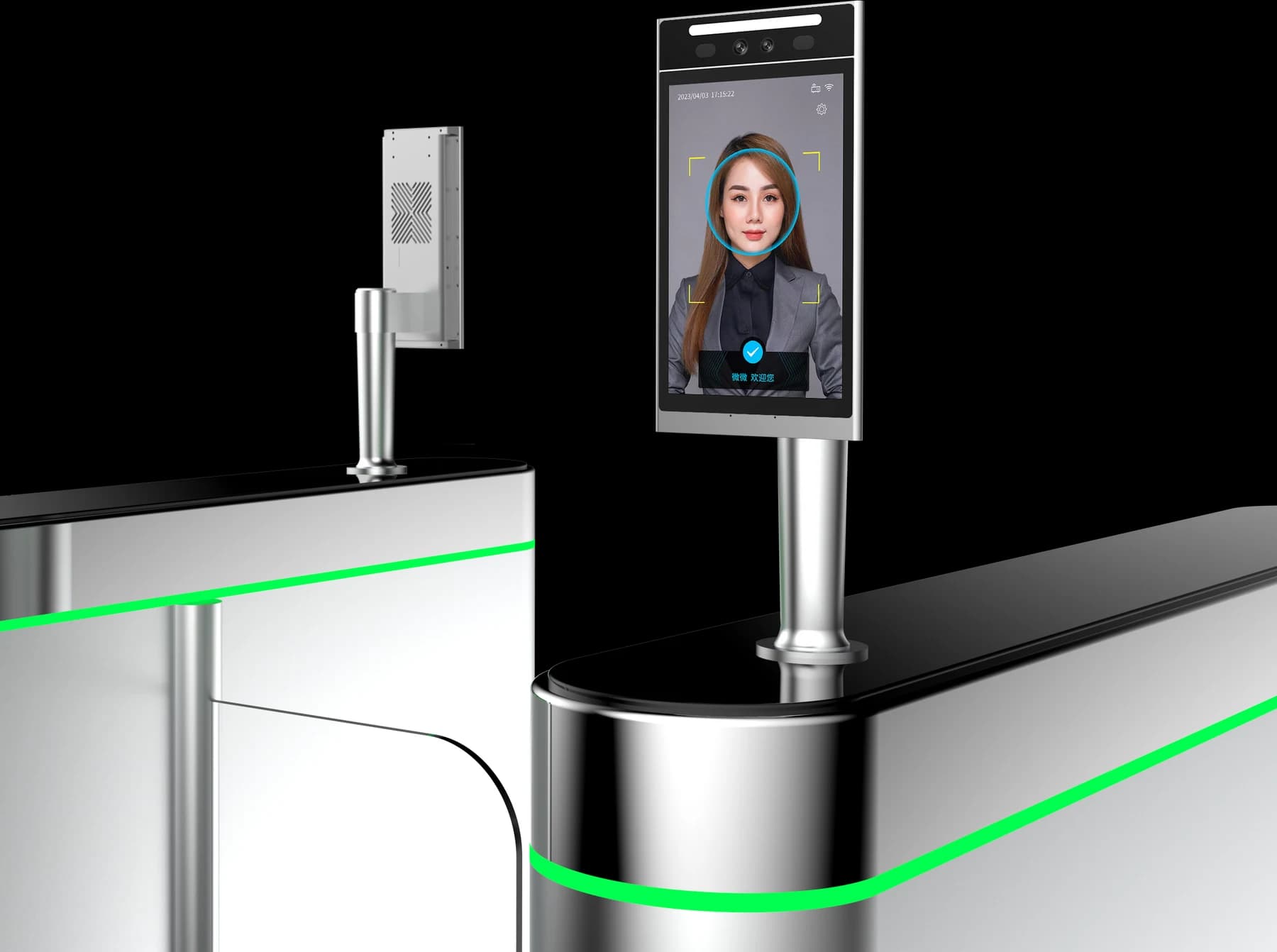
FCV5006 / 01
A pedestal can place the screen within reach at a turnstile. Plan the approach, viewing angle and rear cable route together with the gate installer.
Technical details
Options vary by configuration. Use these details to plan your evaluation.
| Operating system | Android 11 |
|---|---|
| Display | 8-inch LCD touch screen |
| Processor | Quad-core 64-bit Cortex-A55 · up to 2.0 GHz |
| Memory | 2 GB; 4 GB is a configuration option |
| Connectivity | 10/100M Ethernet and 2.4 GHz Wi-Fi |
| Host interfaces | RS485 / RS232, USB and relay; confirm the selected interface configuration |
| Power input | 9–24 V DC · 12 V recommended |
Installation & connections
Product resources
Need the FCV5006 manual, specification or installation drawing? We’ll help you find the document for your configuration.
Request documentsStrong backlight, direct sunlight, reflections and close-range lighting can reduce capture quality. Evaluate the terminal in its intended position and avoid pointing the camera directly toward a bright window or concentrated light source.
Use a clear, front-facing JPG without beauty filters, heavy makeup, sunglasses, a mask or other facial obstruction. File size and image dimensions can vary by software and model, so confirm the current import requirements before preparing a large enrollment set.
Confirm whether the selected configuration uses wired networking, Wi-Fi or another connection method, then collect the network and platform settings required by that system. A local network connection does not by itself prove that the device is connected to the management service, so verify both states separately.
Your next step
Tell us where it will be used, how it should connect and the quantity you need.
Continue exploring