
Project planning
Choosing a door entry intercom system
Match call routing, door release and everyday access to the building and the people who use it.
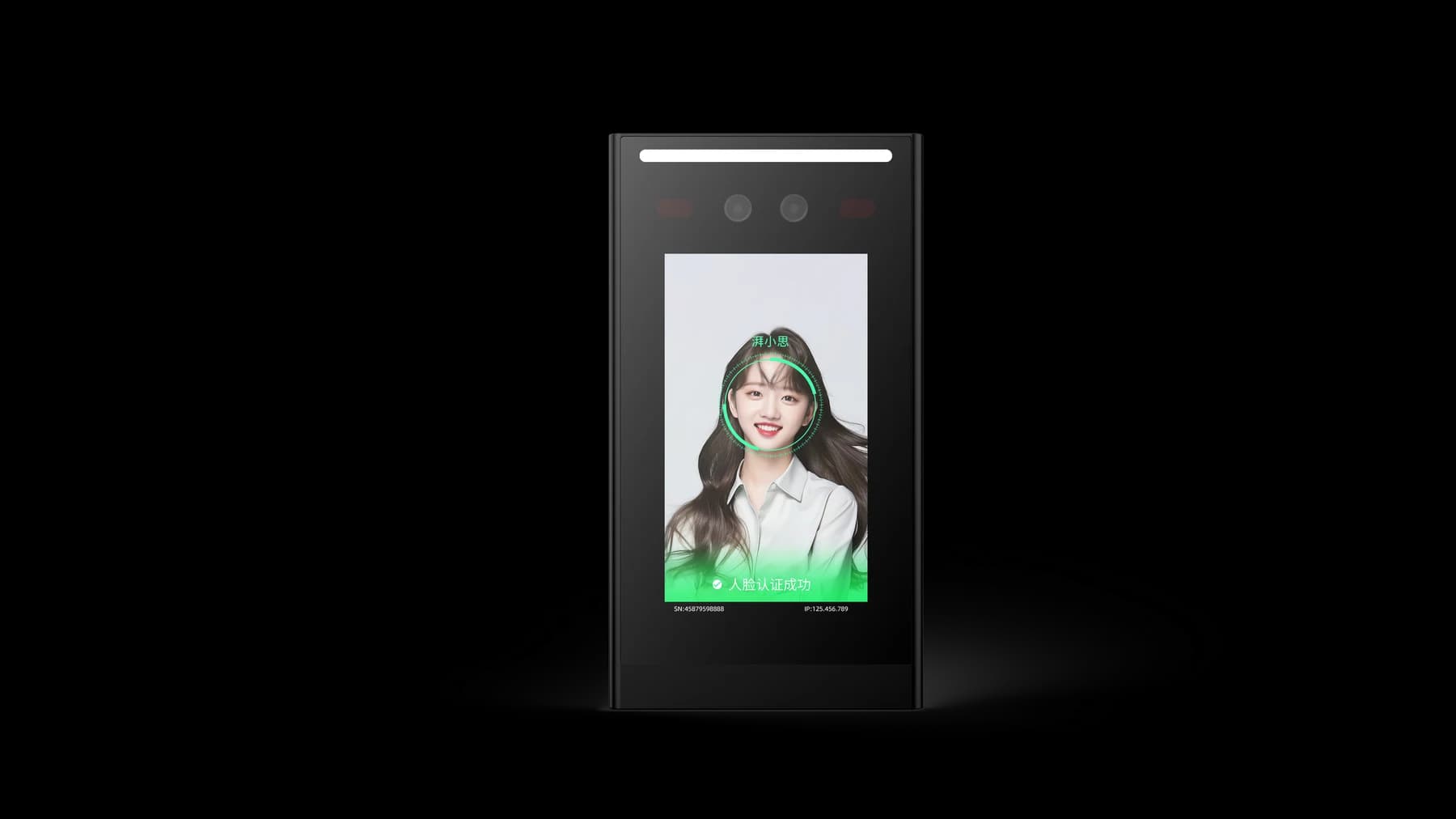
Map the calls before selecting the screen
Start with the building: how many entrances, residences or tenants need to be served? Identify who answers a visitor call during the day, after hours and when the usual contact is unavailable. A small office and a multi-tenant building can require very different routing.
Specify whether calls should reach an indoor station, reception desk, mobile application or another system. Record the protocol and platform requirements. A device with a camera and microphone does not by itself establish compatibility with the intended intercom service.
Separate visitor calls from regular entry
Residents or staff may use cards, codes or another credential, while visitors need a directory and a way to contact a host. Plan each journey and the permissions behind it. Decide who can release which door and how an unanswered call is handled.
Consider users carrying luggage, people unfamiliar with the building and visitors who need accessible controls. The instructions, audio, camera position and visible status should make the next step understandable. Test them at the actual entrance.
Survey the installation
Review available network and power, the wall or pedestal, cable routes and the lock controller. For an exposed location, obtain the environmental rating and installation instructions for the exact assembly, including its accessories.
Confirm how the selected configuration connects to the host system and how door release is wired. Ethernet does not automatically imply PoE, and a relay output does not establish that the terminal can supply the lock’s power.
- Measure mounting space and service access.
- Check the lighting and noise during expected use.
- Document the network outage and power loss behaviour.
- Agree the building’s emergency exit arrangements with the installer.
Validate a complete conversation
Test calling, answering, audio, video and authorised door release together. Include an unanswered call, a busy destination, a failed network connection and the return to normal service. Verify resident changes and removal of old access permissions.
Ask for an evaluation configuration, matching integration reference and a clear division of responsibility between device, application and building installer. Include installation, software and maintenance in the budget. Feocey can review the device and development requirements against this brief; the available intercom workflow must be confirmed for the chosen model and firmware.
Put the guide to work
Explore the hardware.
Review the selected model and configuration for your application.
Discuss your project ↗