
Solutions / Use Cases
Start with what needs to happen.
See how a device can become part of an access, identity or self-service workflow.
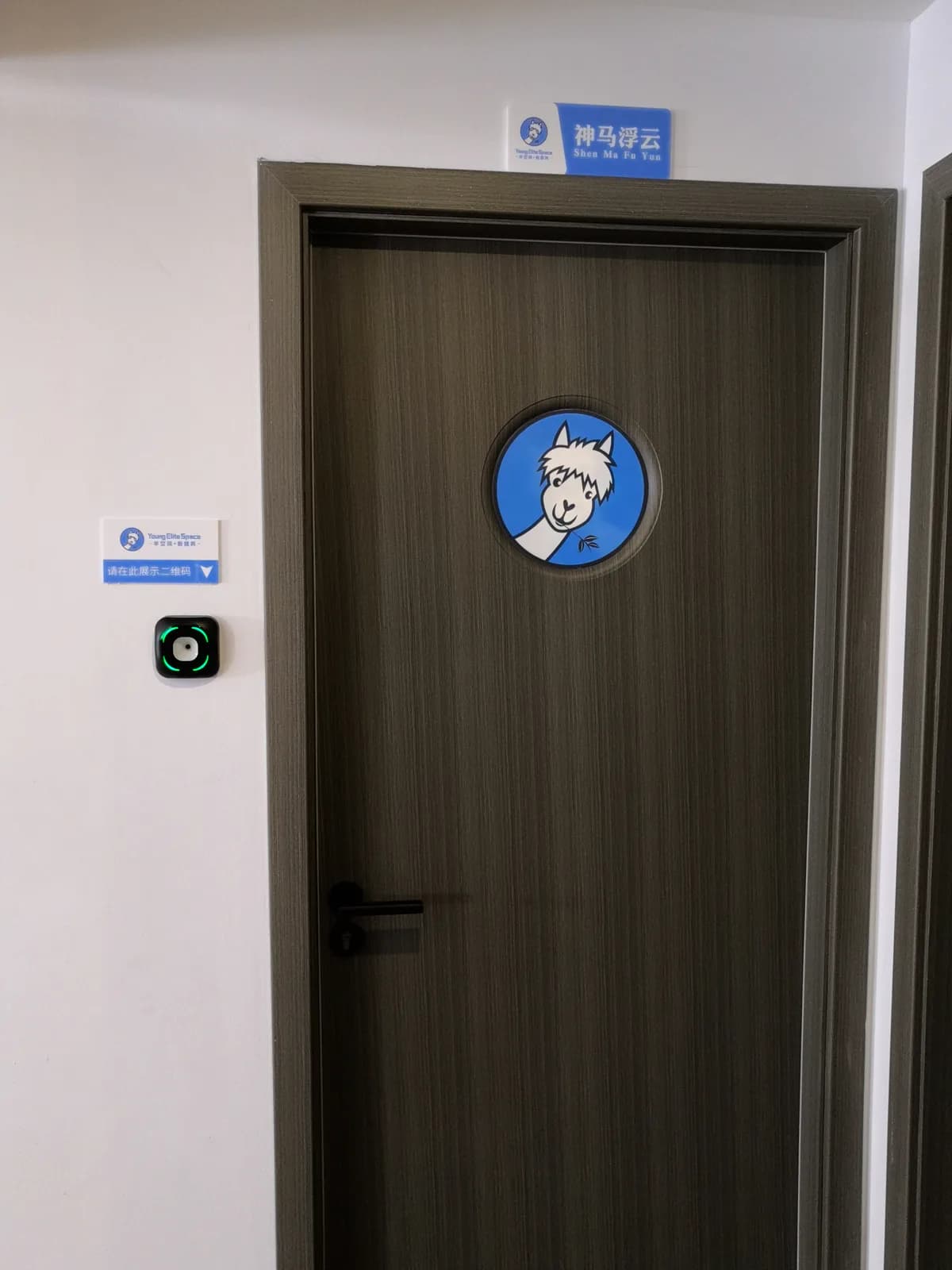
Access & Visitor Management
Give employees and guests a clear entry experience, with permissions managed by the system responsible for the site.
- Present a credential
- Apply the project access rule
- Return feedback and record the event
These are starting points for selection, not a confirmed equipment list for the pictured setting. Configuration and integration must be evaluated for your project.
Discuss this application →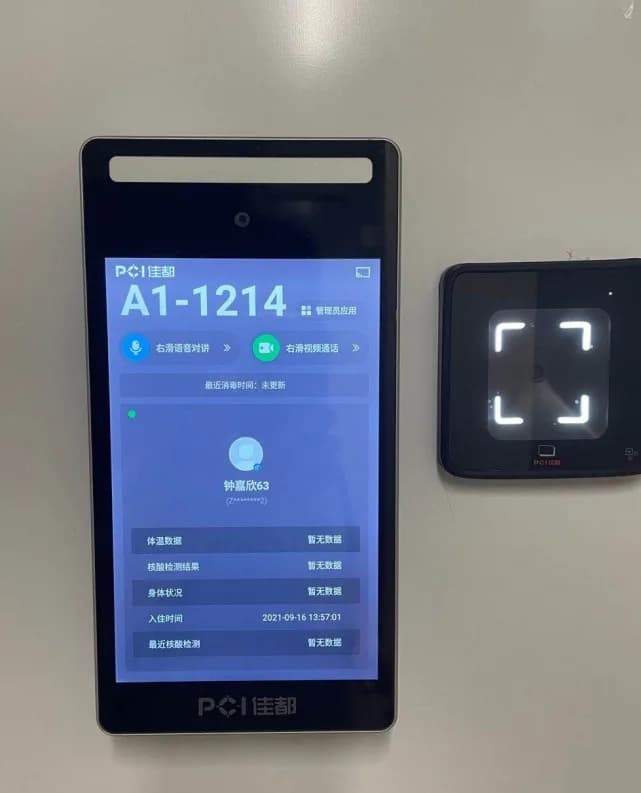
Video Intercom
Discuss the terminal, calling experience and integration requirements as one entrance workflow.
- Define who receives the call
- Confirm the terminal and software configuration
- Validate communication and access control
These are starting points for selection, not a confirmed equipment list for the pictured setting. Configuration and integration must be evaluated for your project.
Discuss this application →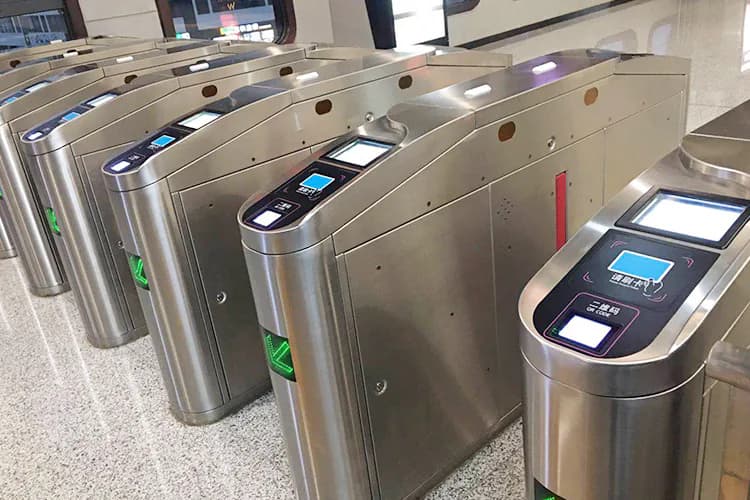
Attendance
Connect on-site identity steps with the attendance rules and reporting your team already manages.
- Choose the credential method
- Capture the attendance event
- Map records to your attendance system
These are starting points for selection, not a confirmed equipment list for the pictured setting. Configuration and integration must be evaluated for your project.
Discuss this application →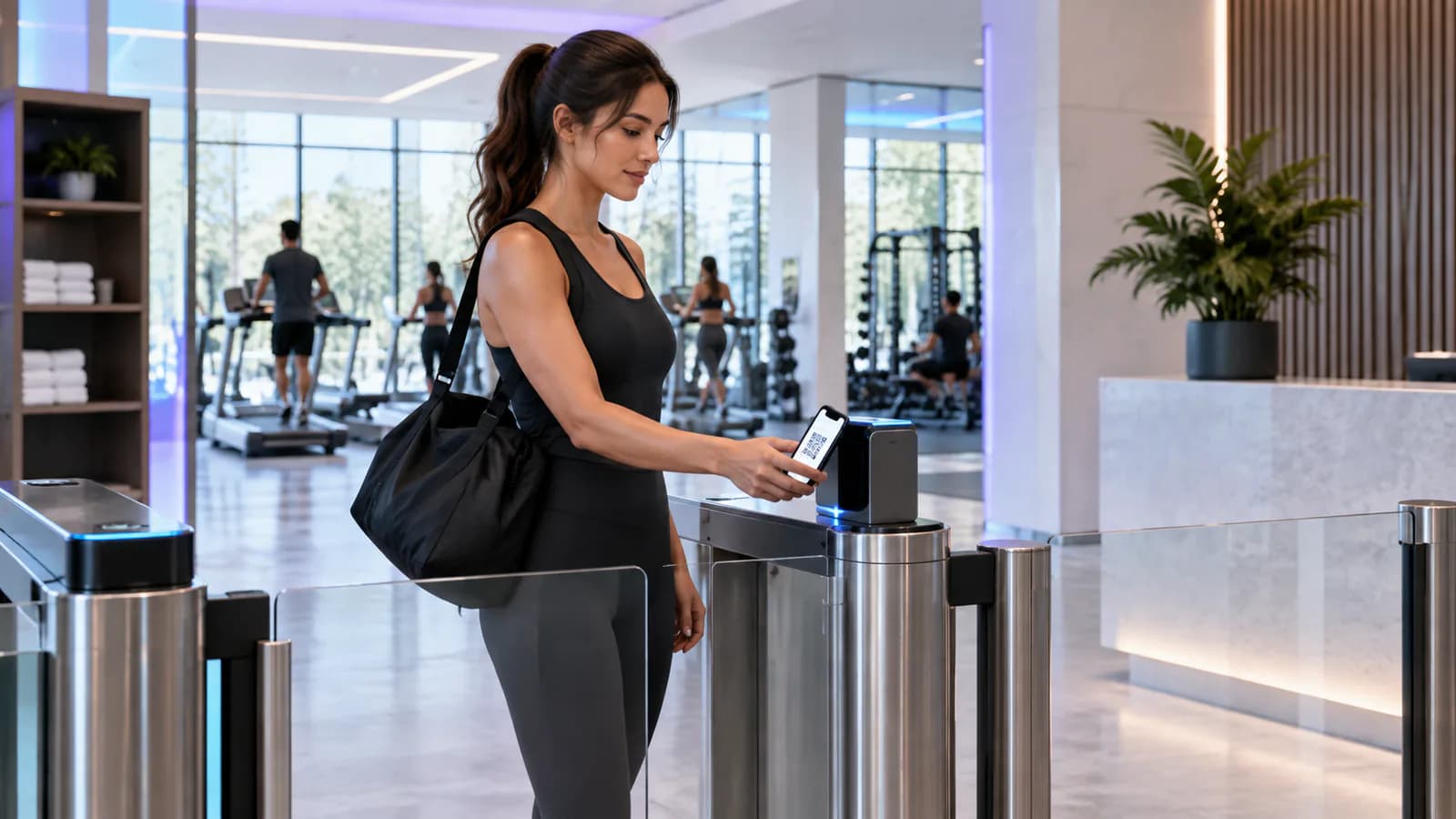
Membership & Ticket Entry
Turn a membership credential or ticket into the next step at a door, gate or service point.
- Present a ticket or membership credential
- Validate it against your business rules
- Confirm entry or show the next action
These are starting points for selection, not a confirmed equipment list for the pictured setting. Configuration and integration must be evaluated for your project.
Discuss this application →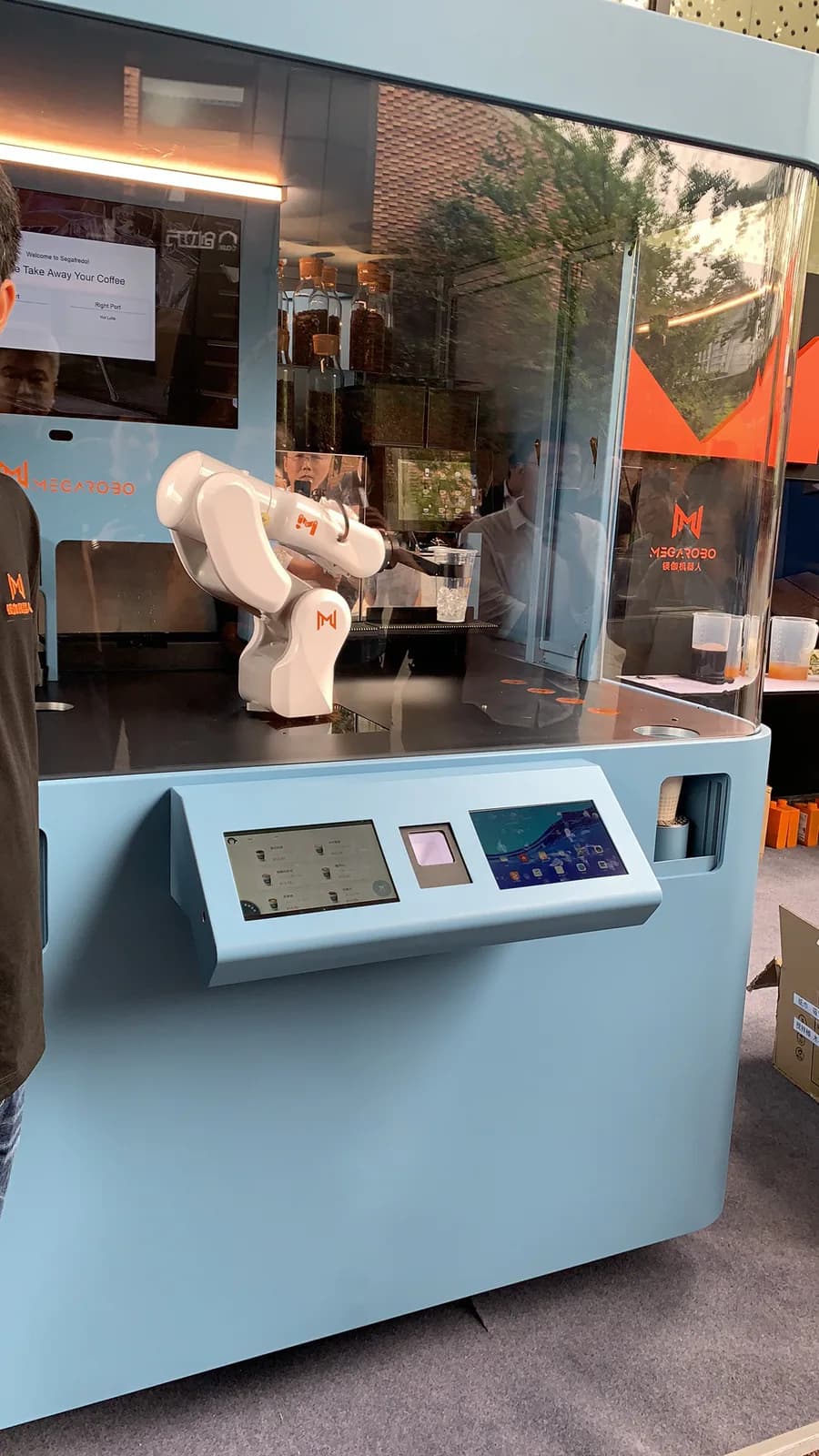
Smart Lockers & Self-Service
Plan the user interface, identity step and equipment control around a complete self-service journey.
- Identify the user or request
- Run the agreed service workflow
- Connect the terminal with the equipment controller
These are starting points for selection, not a confirmed equipment list for the pictured setting. Configuration and integration must be evaluated for your project.
Discuss this application →From an idea to a working system.
Does registering a person automatically grant access?
Not necessarily. Identity enrollment and access permission are separate steps in many systems. Confirm that the person, credential, target device, schedule and permission group have been linked and that the authorization was delivered successfully.
Is a network connection the same as a connection to the management platform?
No. A device can have local network access without maintaining its platform or messaging connection. Check the physical network, IP settings and service connection separately, using the indicators or logs available for the selected system.
What should we check when a controller receives no reader data?
Compare the RS485 wiring, polarity, grounding and communication settings with the instructions for both devices. Then confirm the reader output mode and controller input configuration; a correct cable cannot compensate for mismatched communication settings.
Why might a successful credential check not open the door?
Identity verification, access permission and the physical control output are separate parts of the workflow. Have a qualified installer check the operating mode, permission result, relay timing, controller output and lock wiring against the installation instructions.
What should we check if a device appears online but commands fail?
Confirm the overseas model and device identifier registered in the platform, including letter case and similar-looking characters. Then check connection stability, the expected firmware and whether the command is intended for that operating mode.
Why might an unregistered card or code still activate the door?
The controller may be in a commissioning or test mode that bypasses the normal permission decision. Stop the test, verify the configured operating mode against the manual and repeat the check with a known authorized and unauthorized credential before putting the door into service.