
Solutions / Industries
Built around the spaces you manage.
Explore hardware and integration considerations for your environment.
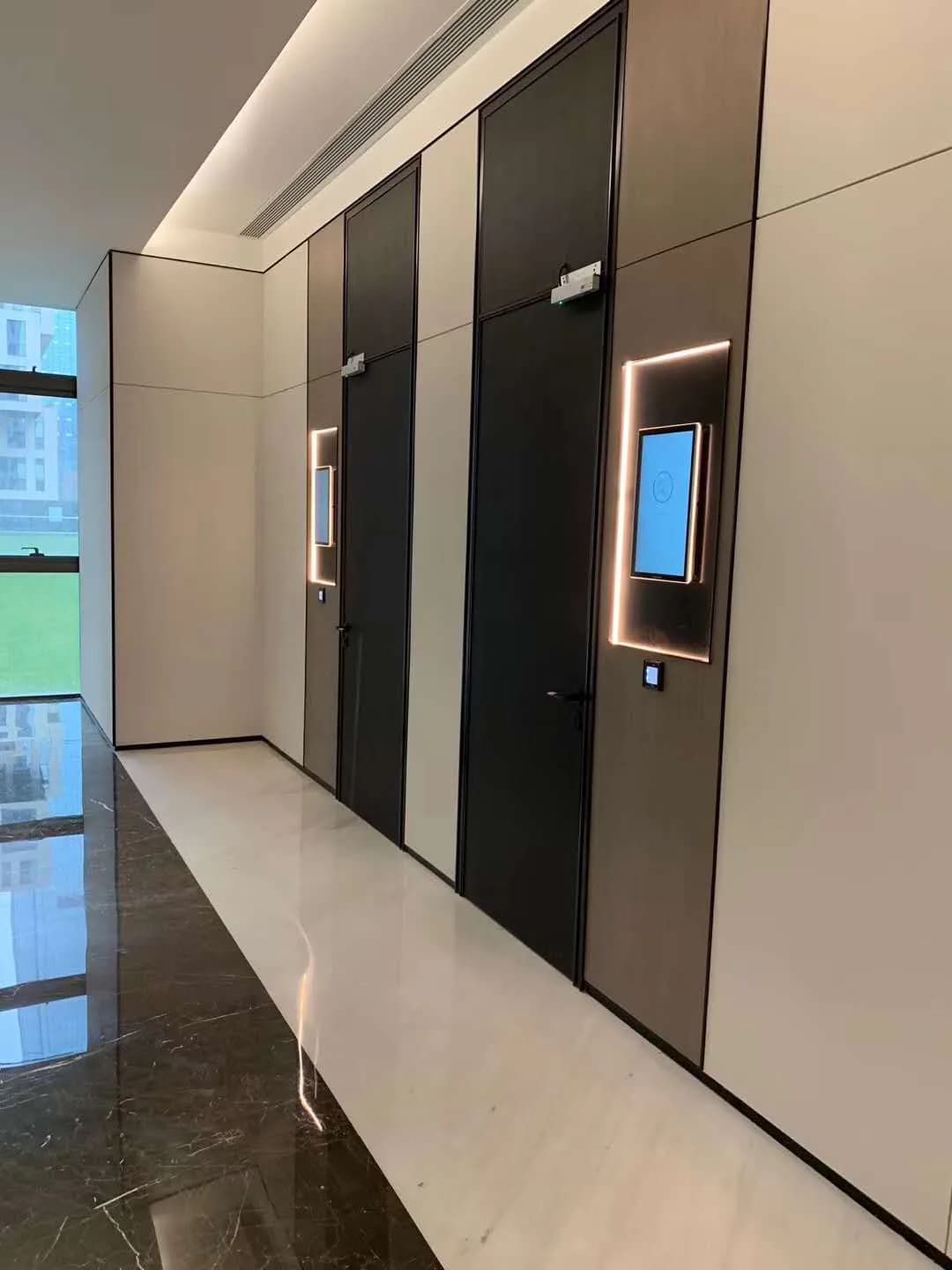
Workplace & Buildings
Connect the entrance, shared rooms and employee journeys around the way your building operates.
- Define employee and visitor access
- Choose the right entrance hardware
- Connect permissions with your management system
These are starting points for selection, not a confirmed equipment list for the pictured setting. Configuration and integration must be evaluated for your project.
Discuss this application →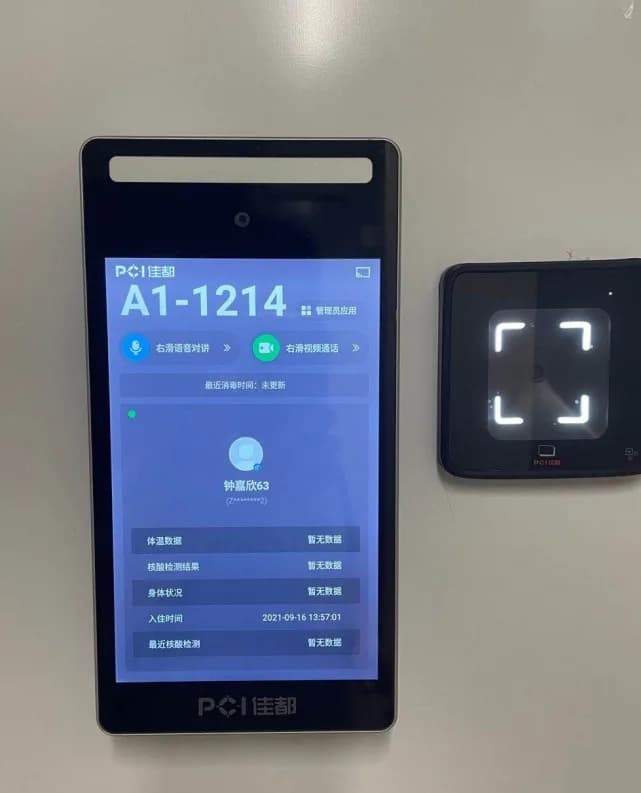
Hospitality & Residential
Explore access from the building entrance to the individual door, with installation and guest workflows considered together.
- Map shared and private entrances
- Review door fit and credentials
- Plan how access is issued and updated
These are starting points for selection, not a confirmed equipment list for the pictured setting. Configuration and integration must be evaluated for your project.
Discuss this application →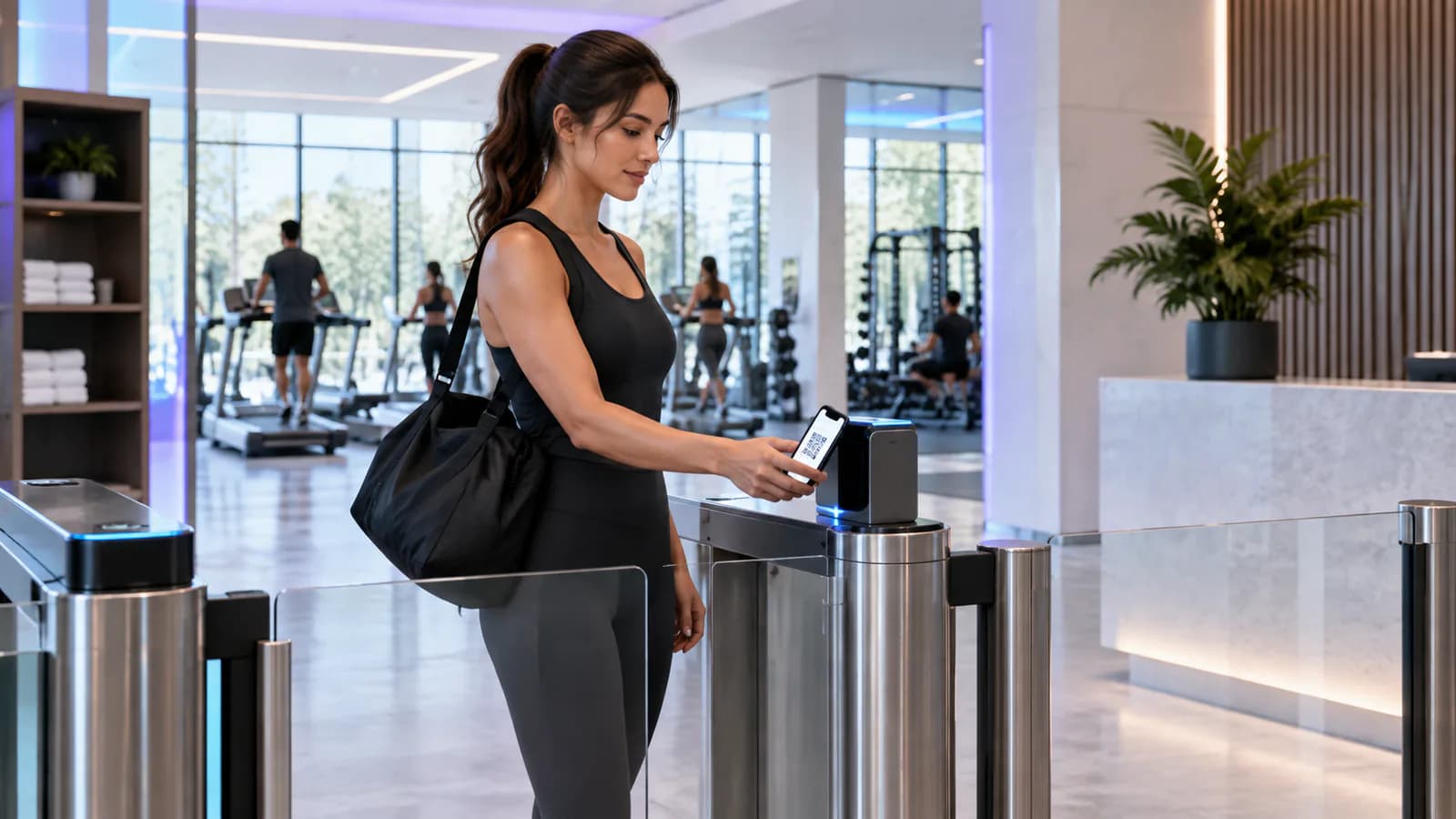
Fitness & Leisure
Start with the member journey: arrival, check-in and access to the spaces they are entitled to use.
- Identify the member
- Check membership in your business system
- Provide clear feedback at the entrance
These are starting points for selection, not a confirmed equipment list for the pictured setting. Configuration and integration must be evaluated for your project.
Discuss this application →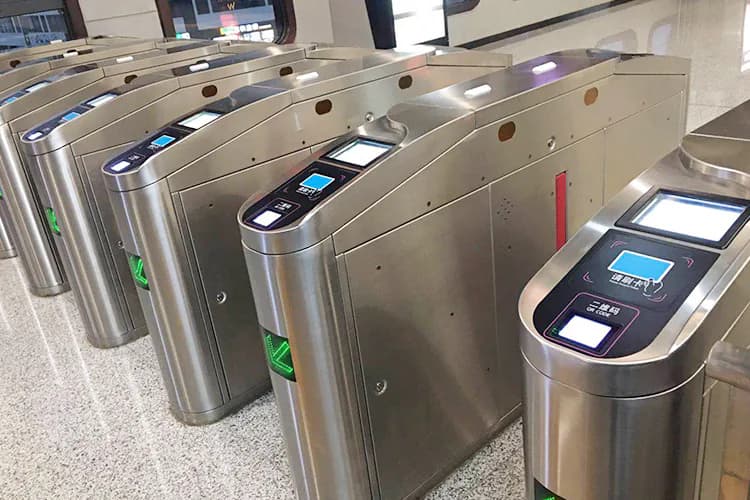
Industrial & Workforce
Bring workforce entry and attendance requirements into a clear hardware and integration brief.
- Identify access zones and shifts
- Review credentials and installation
- Define the records your systems need
These are starting points for selection, not a confirmed equipment list for the pictured setting. Configuration and integration must be evaluated for your project.
Discuss this application →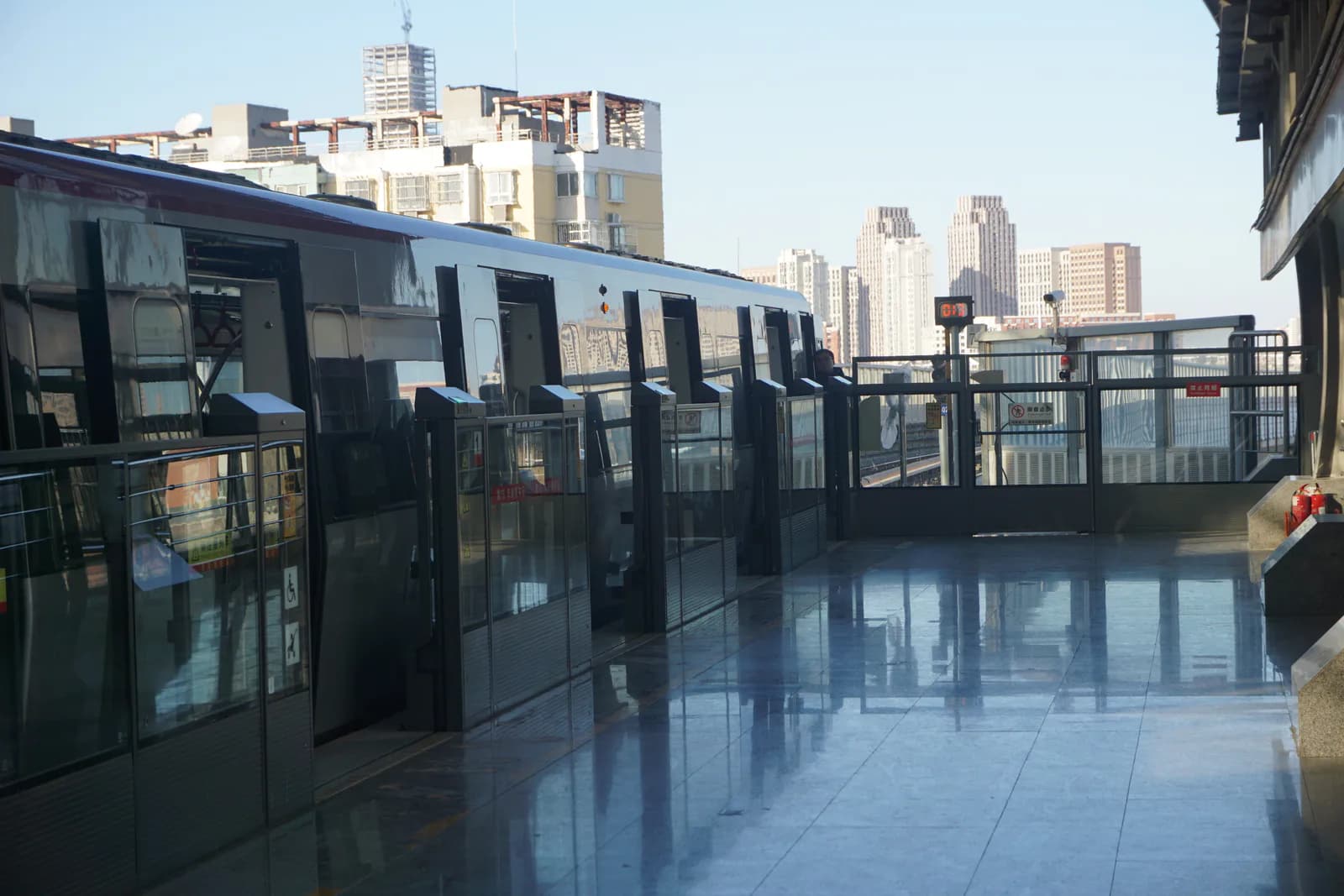
Parking & Transportation
Evaluate credential input for gates and ticket-entry equipment against the physical installation and host system.
- Review tickets and code sources
- Match the reader to the equipment
- Validate the complete entry workflow
These are starting points for selection, not a confirmed equipment list for the pictured setting. Configuration and integration must be evaluated for your project.
Discuss this application →From an idea to a working system.
Does registering a person automatically grant access?
Not necessarily. Identity enrollment and access permission are separate steps in many systems. Confirm that the person, credential, target device, schedule and permission group have been linked and that the authorization was delivered successfully.
Is a network connection the same as a connection to the management platform?
No. A device can have local network access without maintaining its platform or messaging connection. Check the physical network, IP settings and service connection separately, using the indicators or logs available for the selected system.
What should we check when a controller receives no reader data?
Compare the RS485 wiring, polarity, grounding and communication settings with the instructions for both devices. Then confirm the reader output mode and controller input configuration; a correct cable cannot compensate for mismatched communication settings.
Why might a successful credential check not open the door?
Identity verification, access permission and the physical control output are separate parts of the workflow. Have a qualified installer check the operating mode, permission result, relay timing, controller output and lock wiring against the installation instructions.
What should we check if a device appears online but commands fail?
Confirm the overseas model and device identifier registered in the platform, including letter case and similar-looking characters. Then check connection stability, the expected firmware and whether the command is intended for that operating mode.
Why might an unregistered card or code still activate the door?
The controller may be in a commissioning or test mode that bypasses the normal permission decision. Stop the test, verify the configured operating mode against the manual and repeat the check with a known authorized and unauthorized credential before putting the door into service.